About Jis Chat Widget
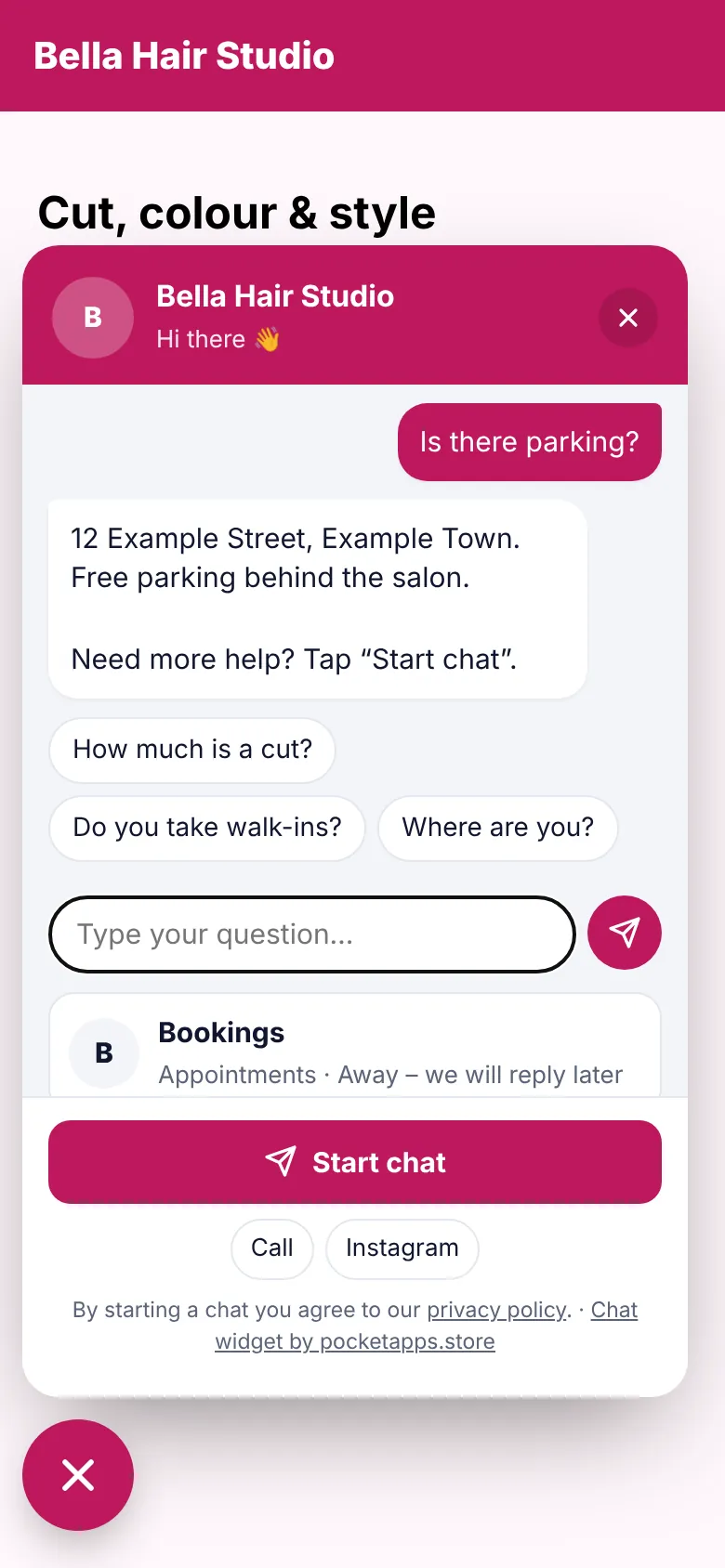
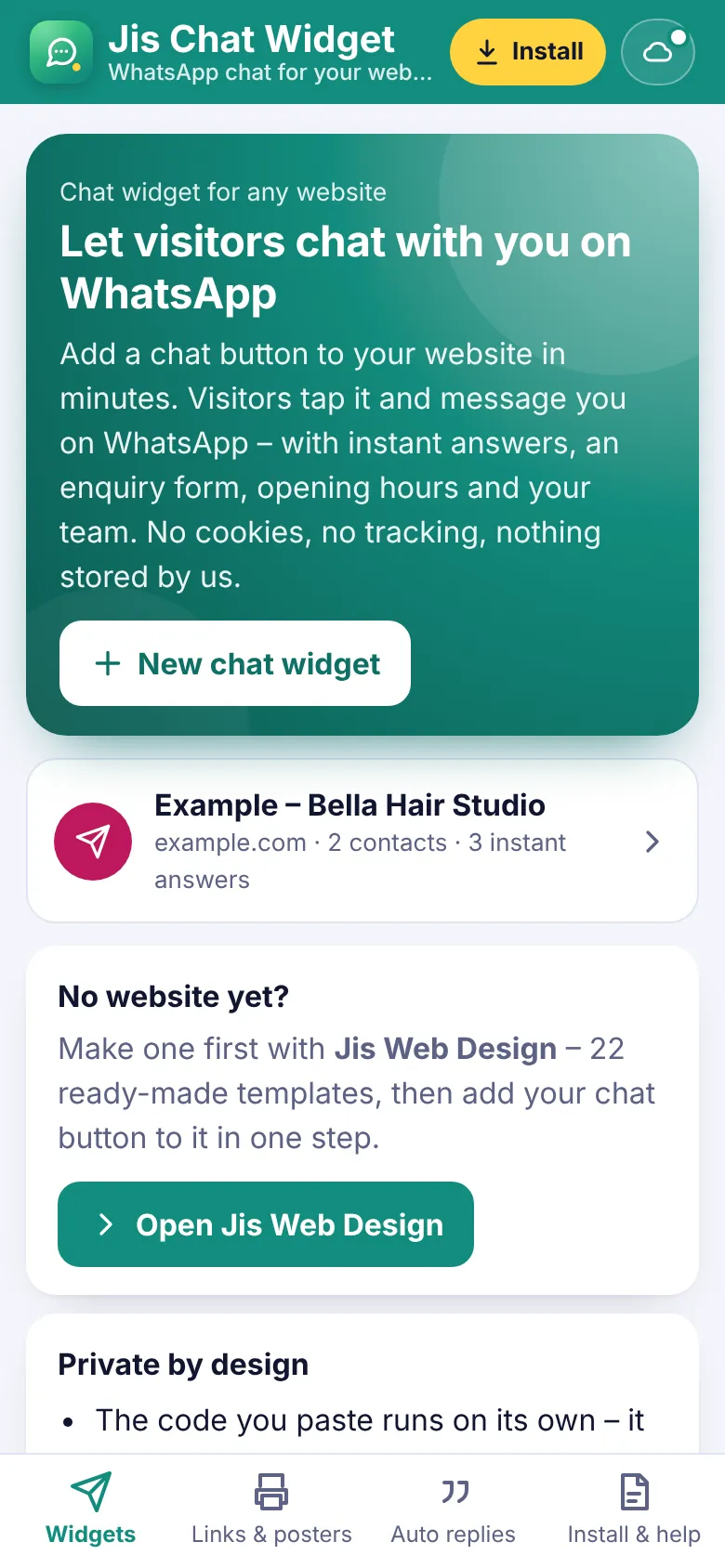
Jis Chat Widget adds a chat button to your website so visitors can message you on WhatsApp in one tap – with instant answers, an enquiry form, opening hours and your whole team.
Set it up on your phone, see it live in the preview, then copy one small piece of code into WordPress, Shopify, Wix, Squarespace, Jis Web Design or any website. The code works on its own: it never contacts pocketapps.store or anyone else, uses no cookies, tracks nobody and saves nothing on your visitors' devices – so it needs no cookie banner.
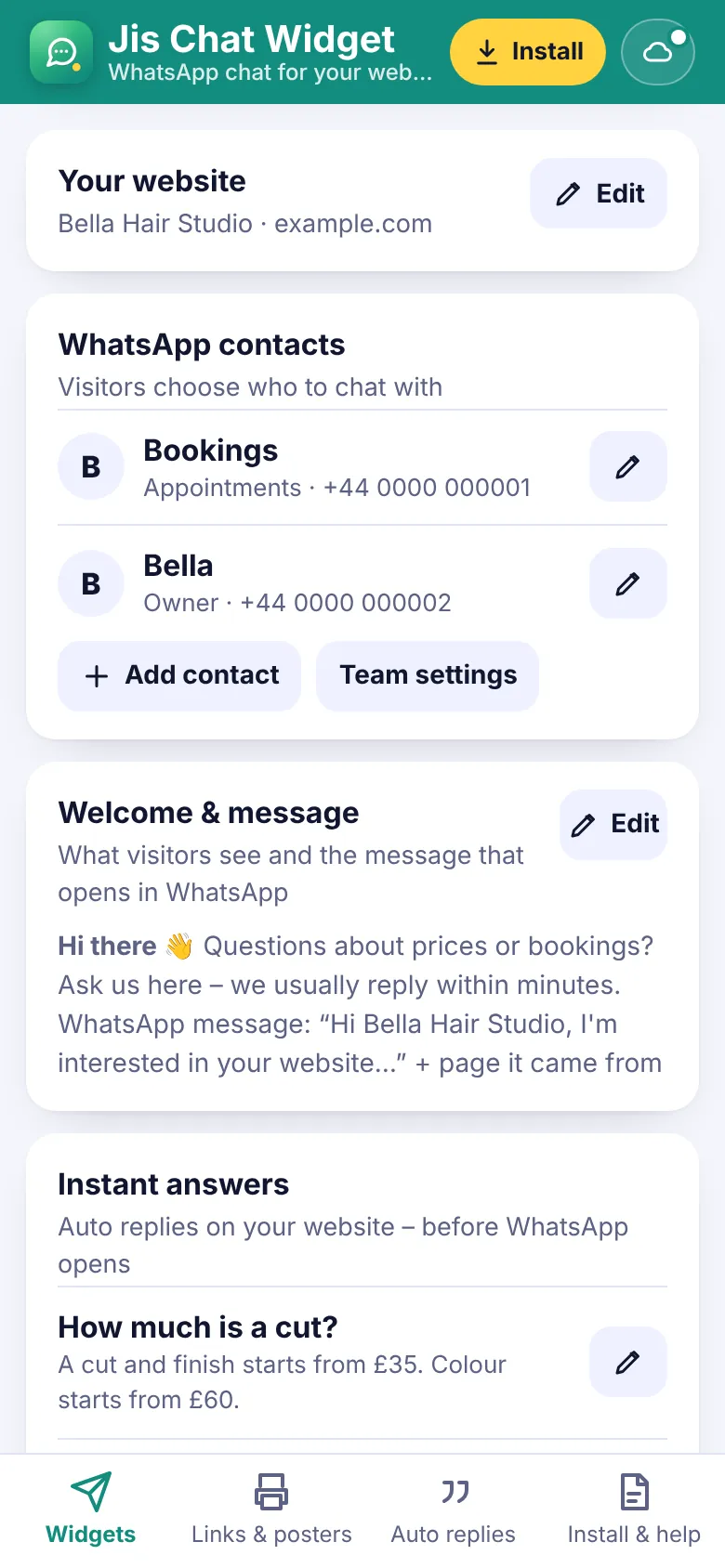
Instant answers reply to common questions straight away, even at night. The enquiry form turns a visitor's answers into a tidy WhatsApp message, and each message can show which page it came from. Add several contacts such as Sales and Bookings, share chats across your team, set opening hours, lunch breaks and holiday mode, and show the welcome text in your visitors' language.
You also get chat links and QR codes for Instagram, TikTok and Google Business Profile, printable "Chat with us" posters and stickers, a one-page contact website, ready-written auto replies for the free WhatsApp Business app and a reply library. No website yet? Make one with Jis Web Design and add the chat button in one step.
What you can do
- WhatsApp chat button for any website
- Instant answers and typed-question replies
- Enquiry form that becomes a WhatsApp message
- Page-aware messages and source tags
- Several contacts, team sharing and hours
- Holiday mode and closed messages
- Call, text, email, Instagram, Messenger, Telegram
- Visitor-language welcome text
- QR posters, stickers and chat links
- One-page contact website
- WhatsApp Business auto-reply text and reply library
- No cookies, no tracking, nothing sent to us
How to get Jis Chat Widget
- Start your free trialPick a plan. It's free for 7 days and you can cancel any time.
- Open Jis Chat WidgetOn iPhone use Safari, on Android use Chrome, on a computer use Chrome or Edge.
- Install itiPhone: ••• (or Share) › Share › Add to Home Screen › Add. Android: ⋮ › Install app. Computer: the install icon in the address bar. See every step with pictures.
- Enter your keyType your membership key once. It works for every app.
Questions about Jis Chat Widget
Does it work with my website?
Yes – with any website that lets you add custom code, including WordPress, Shopify, Wix and Squarespace (paid plans), Webflow, Blogger, plain HTML and Jis Web Design. Step-by-step guides are in the app.
Does pocketapps.store see my chats?
No. Chats happen in WhatsApp or the other apps you choose. The code on your website never contacts our server, so we never see your visitors or their messages.
Can the widget reply automatically?
Yes, in two ways: instant answers in the widget reply to common questions straight away, and the app gives you ready-written greeting and away messages for the free WhatsApp Business app, which replies inside WhatsApp.
Does it need a cookie banner?
The widget uses no cookies and stores nothing on visitors' devices. Check your own website's other tools, and add the privacy text from the app to your privacy page.
Can I remove the pocketapps.store link?
Yes, on a paid plan. Code made during the free trial includes a small link.
Is this made by WhatsApp?
No. Jis Chat Widget is made by pocketapps.store and is not connected with WhatsApp or Meta. It simply opens WhatsApp with your number.


One membership. Every app.
7 days free, then from £5.00 a month. Cancel any time.