
About Jis Check
Jis Check makes the condition report that protects deposits – for tenants, landlords, letting agents and holiday hosts.
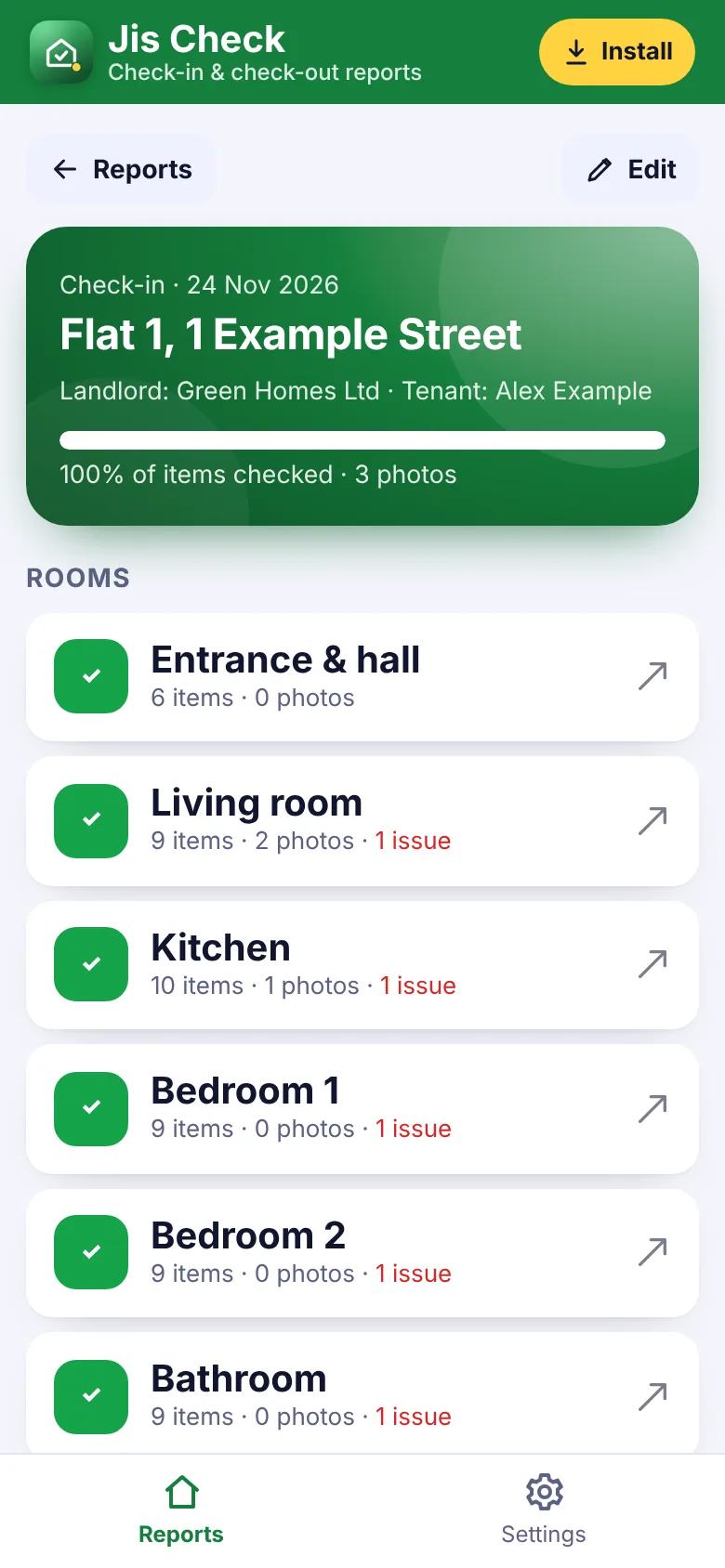
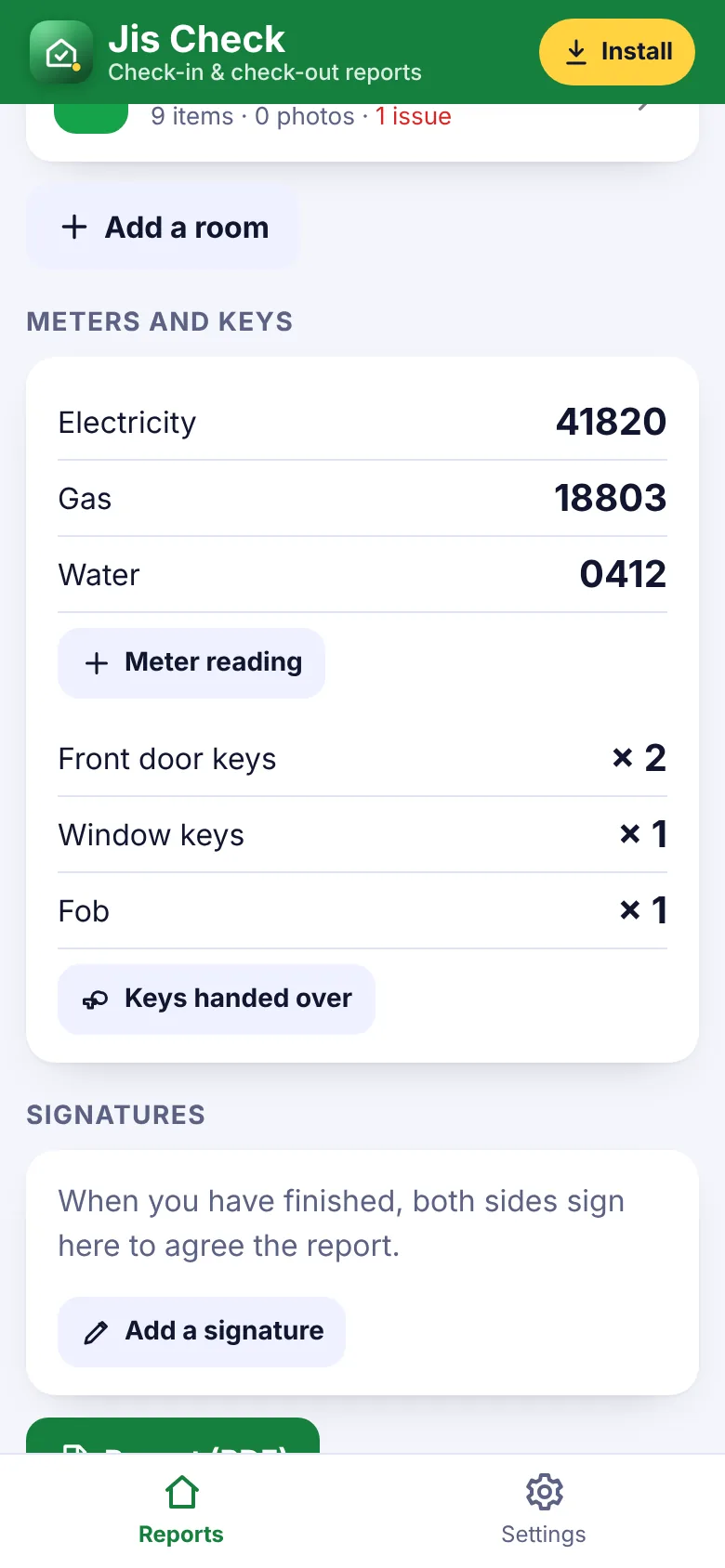
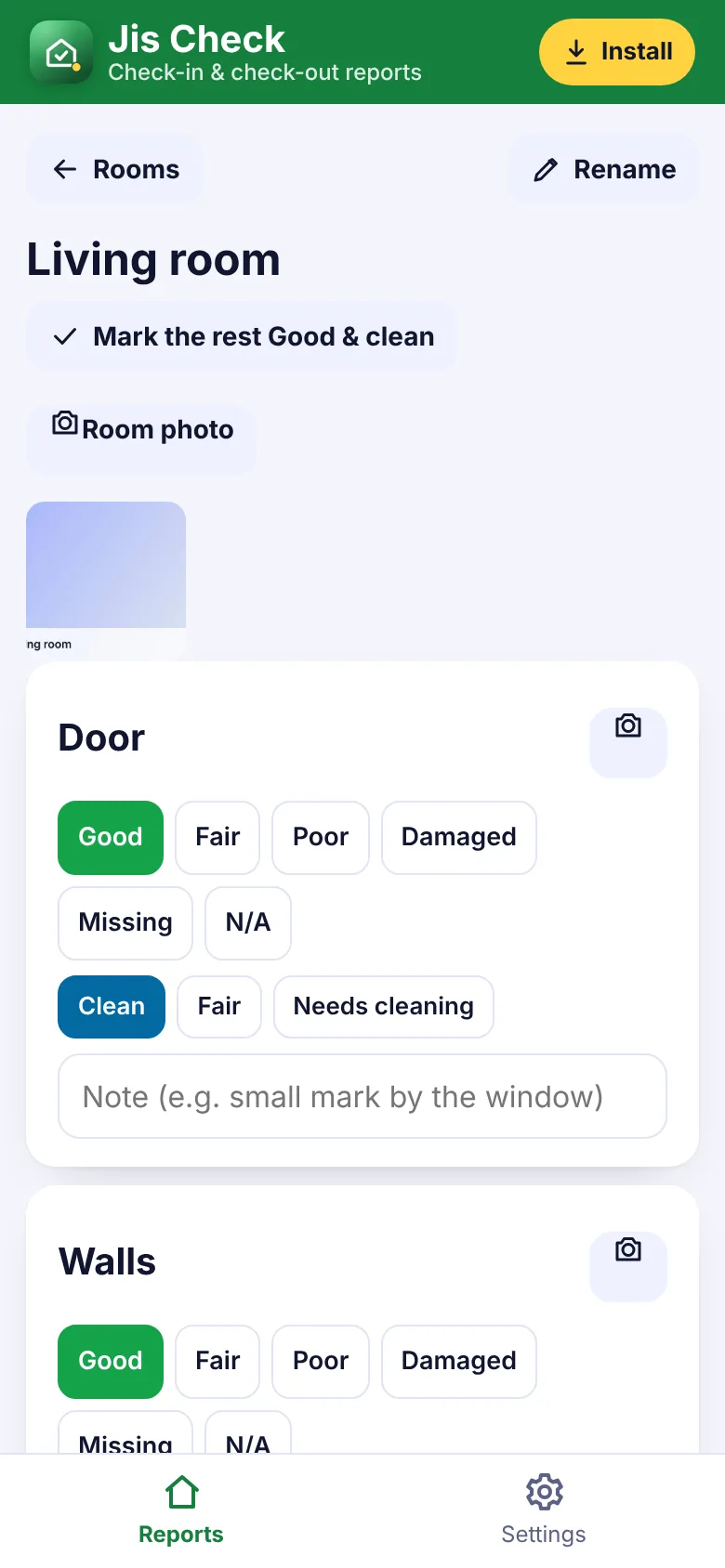
Start a check-in, check-out or inspection, add the address and how many bedrooms and bathrooms, and Jis Check sets up every room with its usual items. Walk through and tap the condition of each one – good, fair, poor, damaged or missing – and whether it is clean. Add notes and photos, meter readings with photos, and the keys handed over.
Both sides sign on the phone. You get a dated PDF report with every photo. At the end of the tenancy, start the check-out from the check-in and Jis Check shows exactly what got worse.
What you can do
- Room by room checklists
- Condition and cleanliness
- Photos and notes for each item
- Meter readings and keys
- Signatures on the phone
- Dated PDF report
- Compare check-out with check-in
- Photos stay on your device
How to get Jis Check
- Start your free trialPick a plan. It's free for 7 days and you can cancel any time.
- Open Jis CheckOn iPhone use Safari, on Android use Chrome, on a computer use Chrome or Edge.
- Install itiPhone: ••• (or Share) › Share › Add to Home Screen › Add. Android: ⋮ › Install app. Computer: the install icon in the address bar. See every step with pictures.
- Enter your keyType your membership key once. It works for every app.
Questions about Jis Check
Is the report legally binding?
It is a dated record signed by both sides, which is strong evidence in a deposit dispute. Rules differ by country, so follow your local deposit scheme or tenancy law.
How do the photos get into the report?
Every photo you take in Jis Check is placed next to its item in the PDF.
Can the tenant and landlord both have a copy?
Yes. Save the PDF and send it to the other side straight after signing.



One membership. Every app.
7 days free, then from £5.00 a month. Cancel any time.