
About Jis Claim
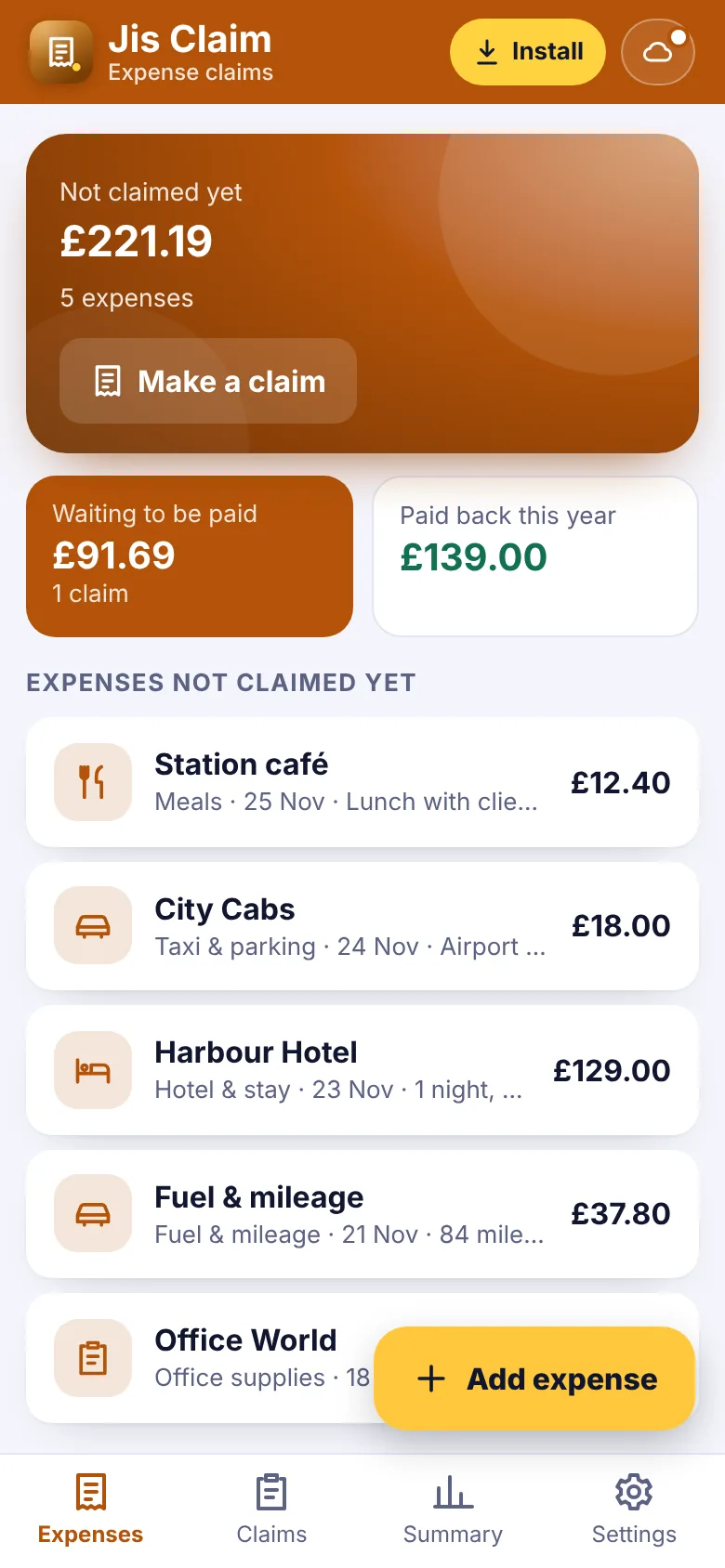
Jis Claim makes expense claims painless. Take a photo of a receipt and the amount, date and shop fill in by themselves – read privately on your phone. Add mileage by distance and your rate, in miles or kilometres.
When you are ready, group your expenses into a claim and send it to your manager, client or accounts team as a tidy PDF with every receipt attached, or as an email or WhatsApp summary.
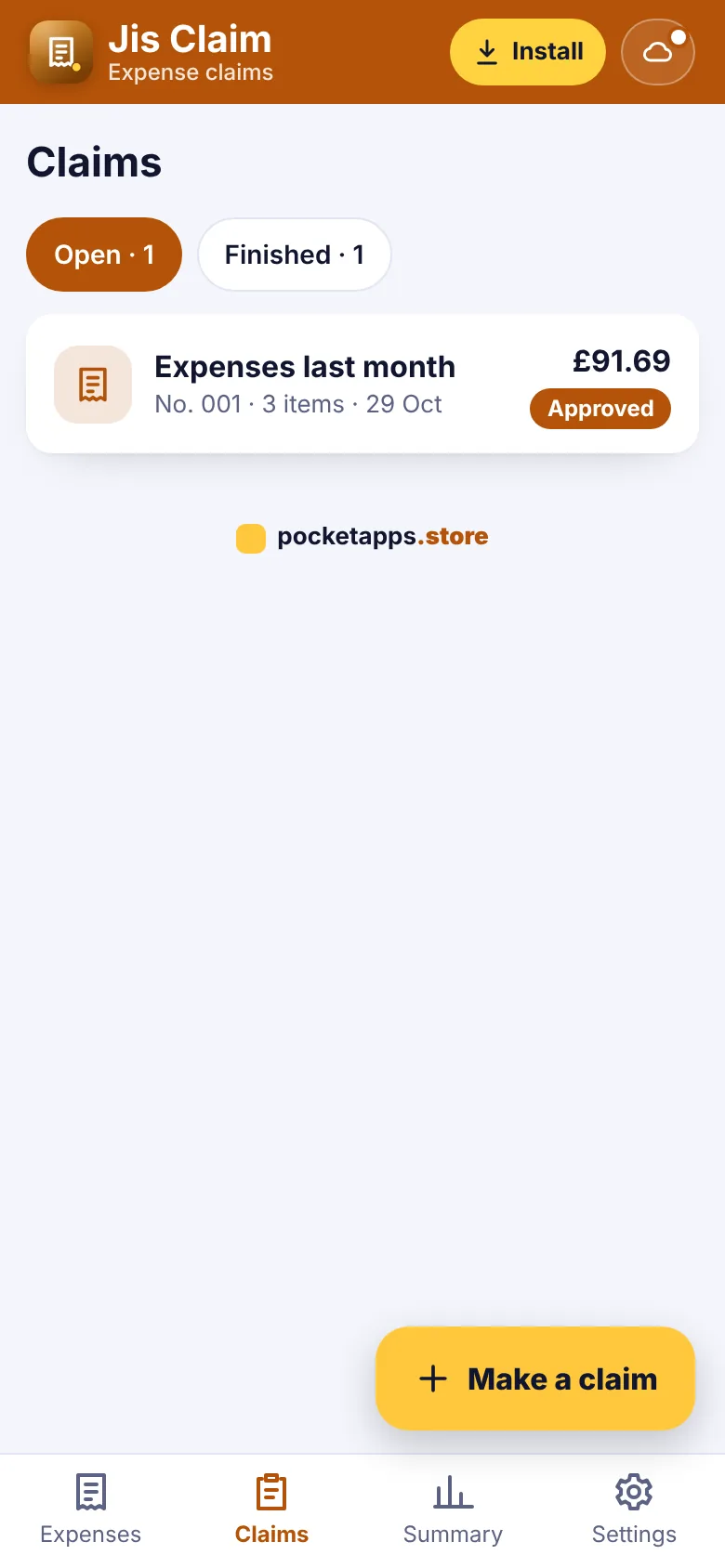
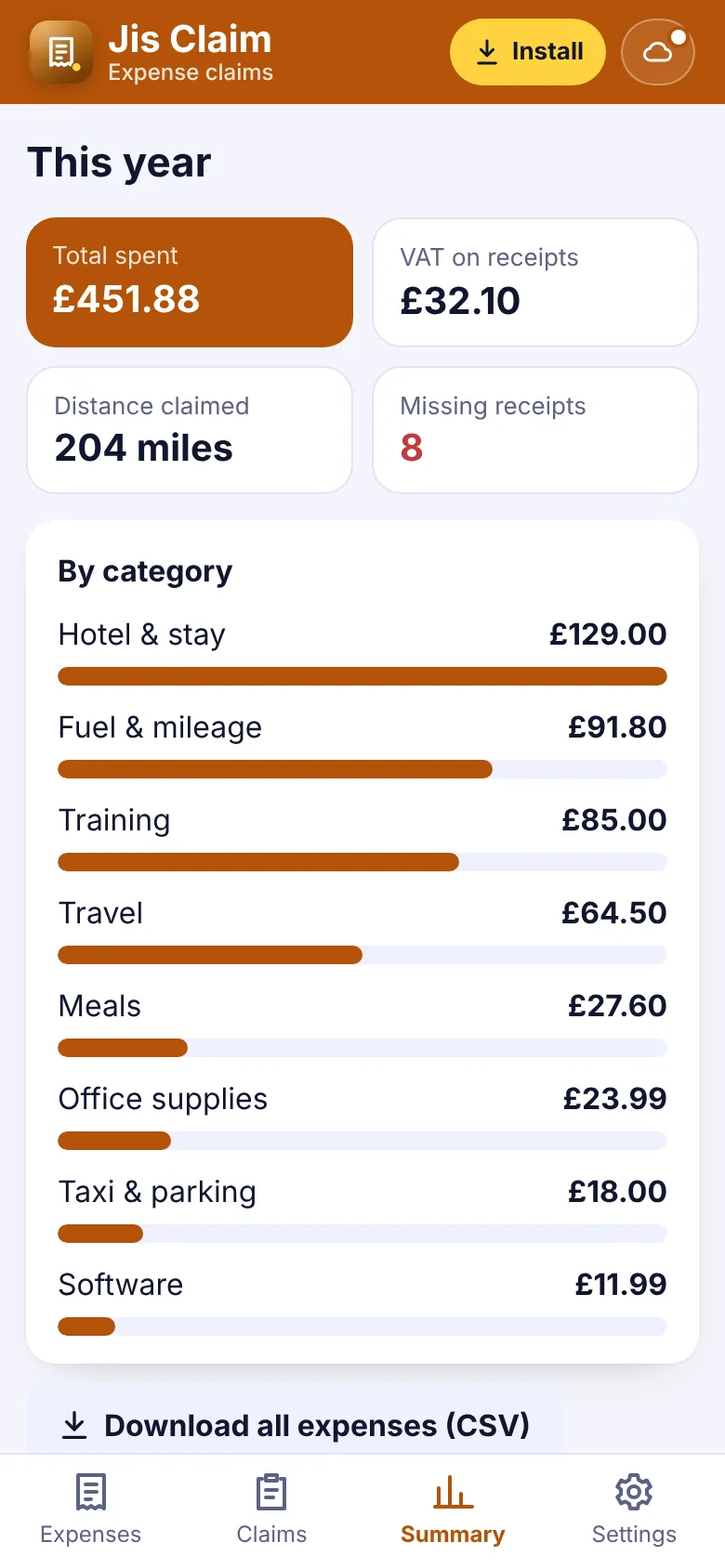
Track each claim from sent to approved to paid, see what you are still owed and what you spent this year by category, and download everything as a spreadsheet.
What you can do
- Snap receipts to fill in the details
- Syncs across your devices (encrypted)
- Mileage by distance and rate
- Group expenses into a claim
- PDF claim with receipts attached
- Sent, approved and paid tracking
- What you are still owed
- Any currency and tax name
How to get Jis Claim
- Start your free trialPick a plan. It's free for 7 days and you can cancel any time.
- Open Jis ClaimOn iPhone use Safari, on Android use Chrome, on a computer use Chrome or Edge.
- Install itiPhone: ••• (or Share) › Share › Add to Home Screen › Add. Android: ⋮ › Install app. Computer: the install icon in the address bar. See every step with pictures.
- Enter your keyType your membership key once. It works for every app.
Questions about Jis Claim
How do I make a PDF?
Open a claim and tap PDF / print, then choose Save as PDF. The PDF lists every expense and includes the receipt photos.
Can I claim mileage?
Yes. Enter the distance and Jis Claim works out the amount using your rate per mile or kilometre, set in Settings.
Who can use it?
Employees, contractors and freelancers who are paid back for expenses, anywhere in the world.



One membership. Every app.
7 days free, then from £5.00 a month. Cancel any time.