
About Jis Fill
Jis Fill saves you from typing the same details into form after form.
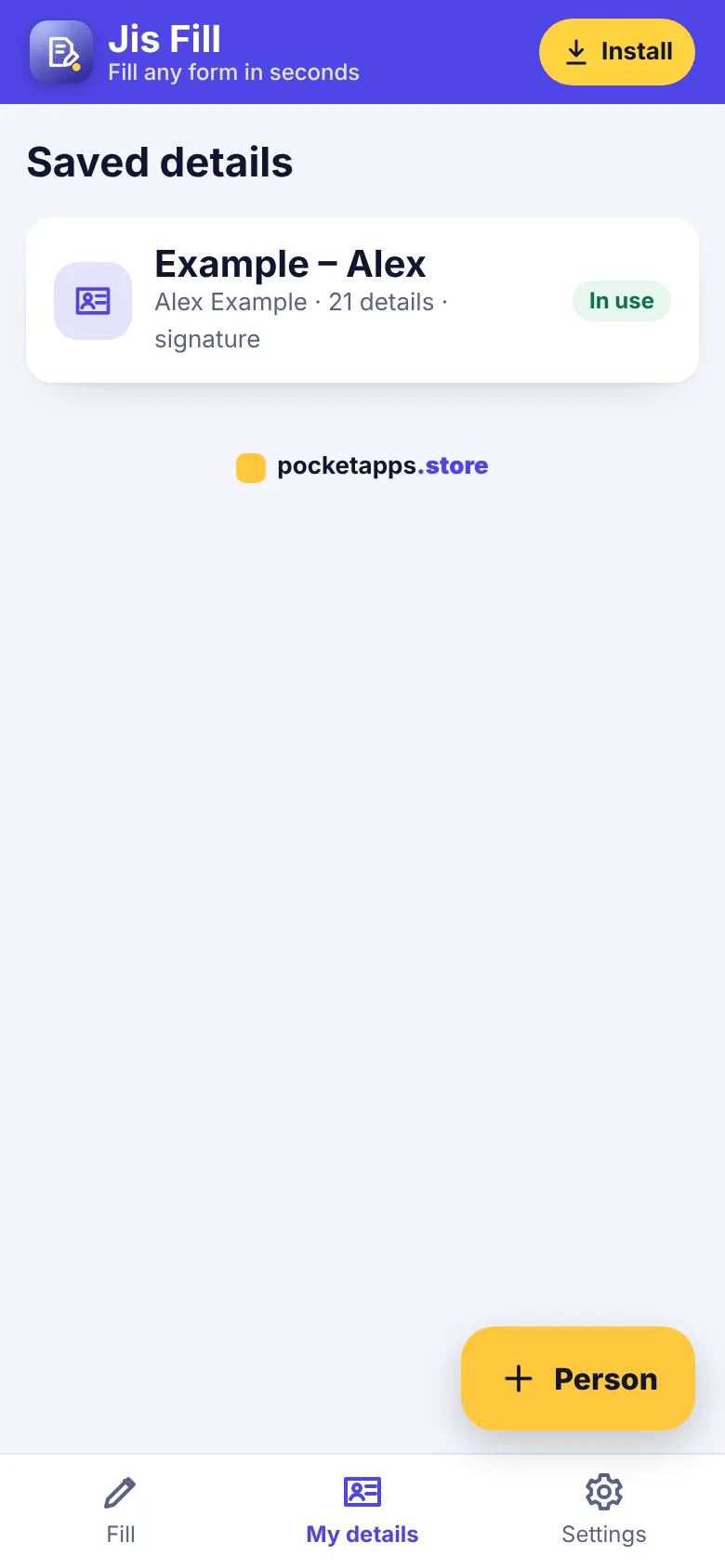
Save your details once – name, date of birth, address, phone, email, passport and ID numbers, tax number, work and bank details, plus anything else you need – for yourself, family members or your business. Add your signature too.
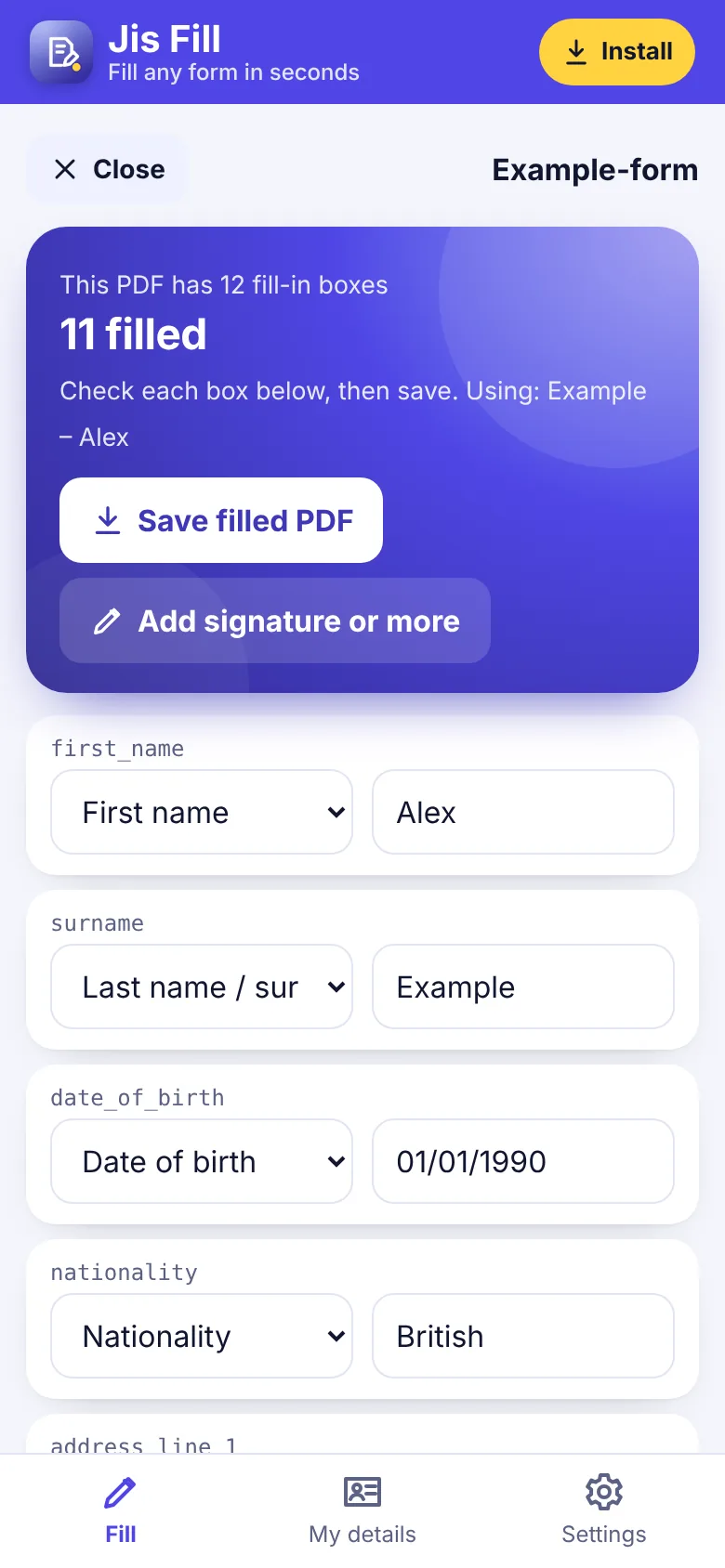
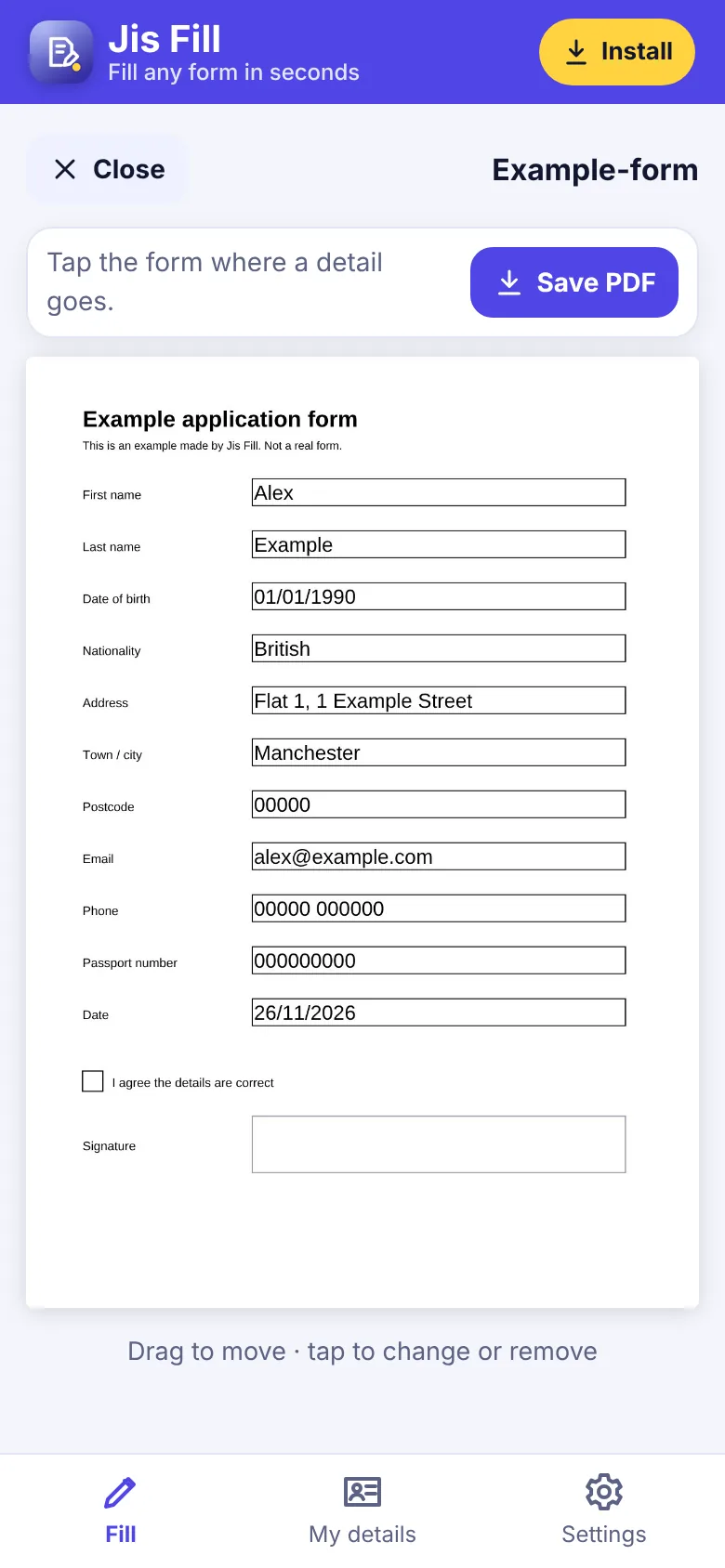
Open a PDF form with fill-in boxes and Jis Fill matches each box to your details and fills them in for you. Check them, tick the boxes and save. For any other PDF, a scanned form or a photo of a paper form, just tap where a detail goes and pick it from your list – with ticks, crosses, today's date and your signature. Drag anything to move it, then save a PDF to send or print.
Your details and forms never leave your phone.
What you can do
- Save details once
- Profiles for family or business
- Fills PDF form boxes automatically
- Tap to place on any page
- Scans and photos of paper forms
- Ticks, dates and signature
- Any language and script
- Nothing is uploaded
How to get Jis Fill
- Start your free trialPick a plan. It's free for 7 days and you can cancel any time.
- Open Jis FillOn iPhone use Safari, on Android use Chrome, on a computer use Chrome or Edge.
- Install itiPhone: ••• (or Share) › Share › Add to Home Screen › Add. Android: ⋮ › Install app. Computer: the install icon in the address bar. See every step with pictures.
- Enter your keyType your membership key once. It works for every app.
Questions about Jis Fill
Which forms does it work with?
PDFs with fill-in boxes are filled automatically. Any other PDF, scanned forms and photos of paper forms work too – tap where each detail goes.
Are my details safe?
They are kept only on your device, are not synced, and can be protected with your app lock PIN.
Some boxes won't fill – why?
A few old government PDFs use an Adobe-only form type. Use "Add signature or more" to place your details on the page instead.

One membership. Every app.
7 days free, then from £5.00 a month. Cancel any time.