About Jis Focus
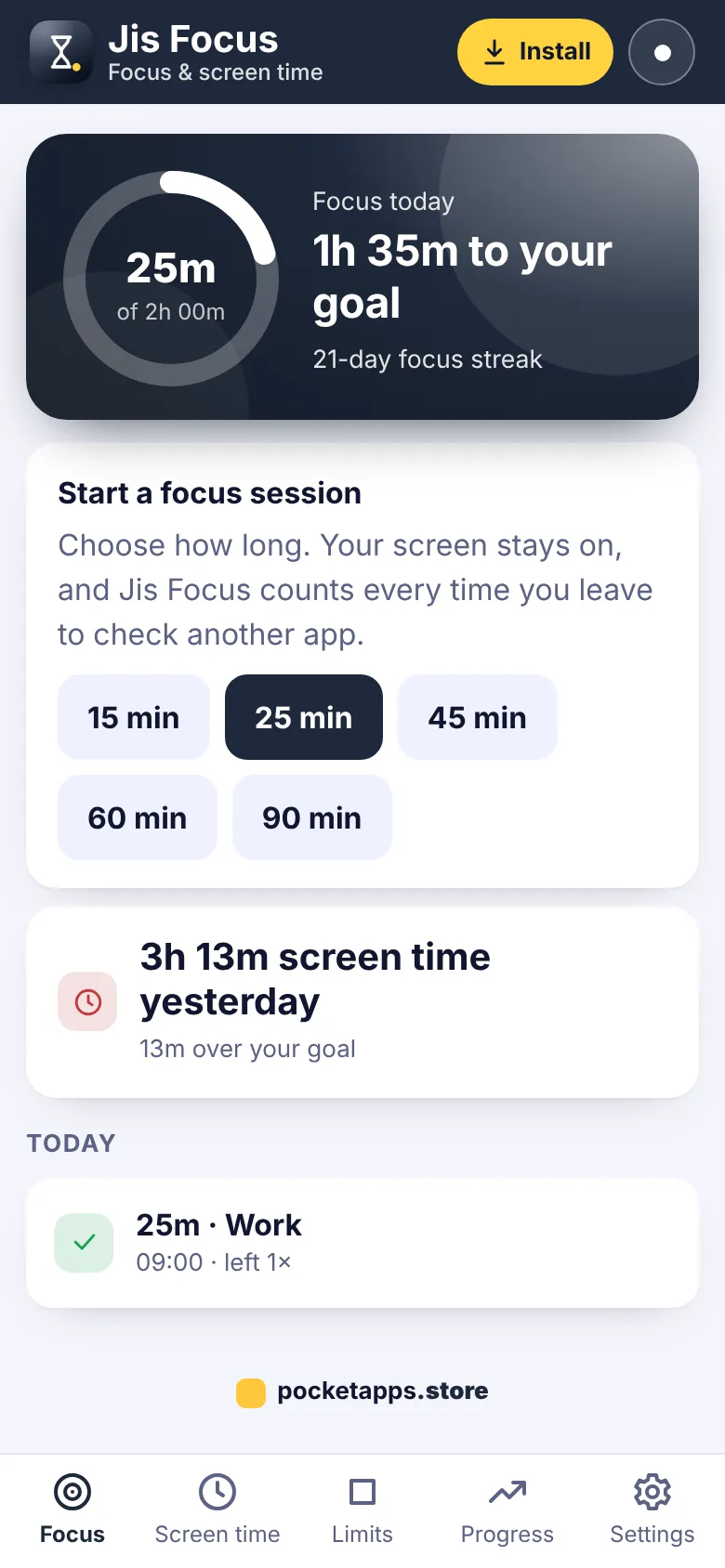
Jis Focus helps you take back your time from your phone. Start a focus session for work, study or reading, put your phone face down, and Jis Focus counts every time you leave to check another app – and keeps your screen awake while you work.
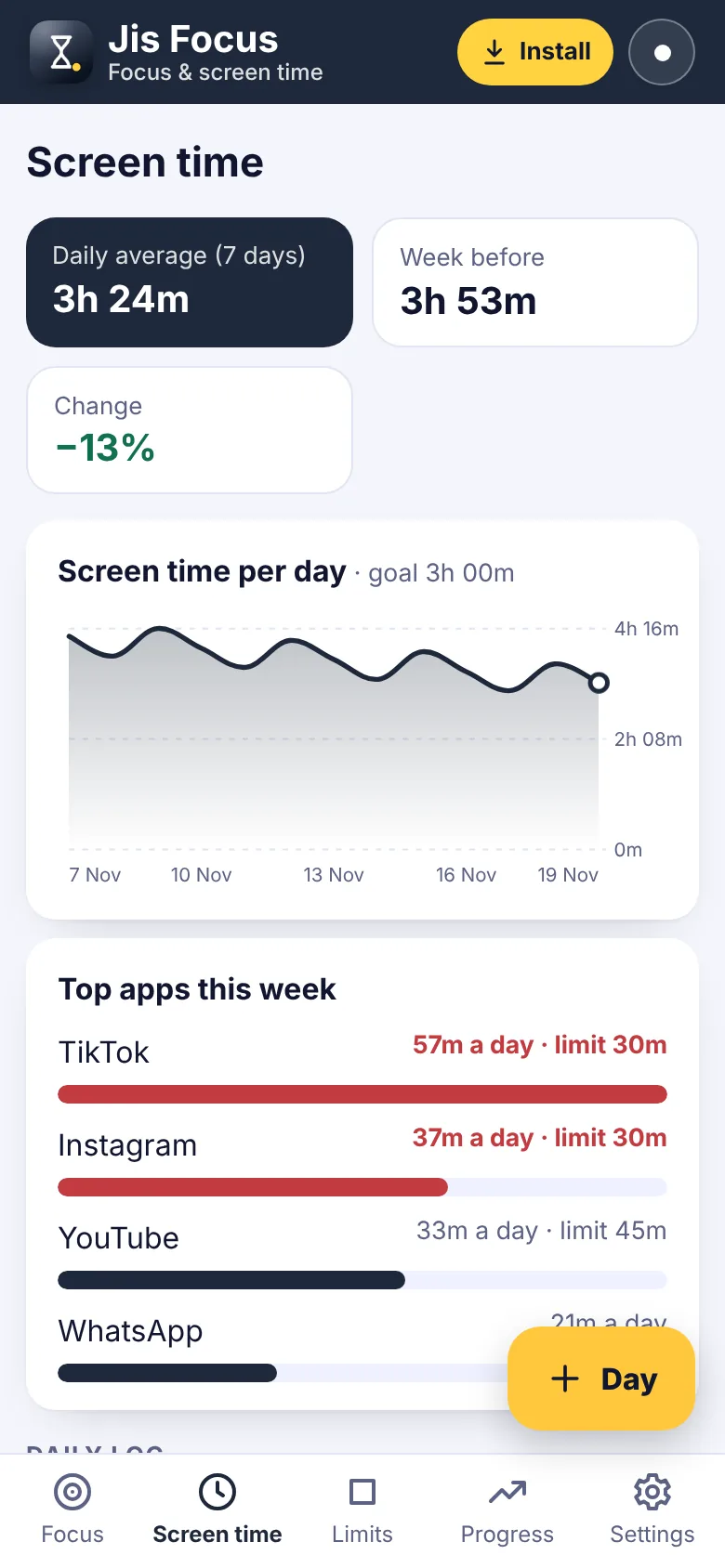
Log your daily screen time from your phone's own report, set limits for the apps that steal your time, and see how you are doing against your goal. Easy step-by-step guides show how to switch on the real app blockers already built into iPhone, Android, Windows and Mac. Charts and streaks show your progress week by week.
What you can do
- Focus sessions from 15 to 90 minutes
- Syncs across your devices (encrypted)
- Counts each time you leave the session
- Keeps your screen on while you focus
- Daily screen time log with top apps
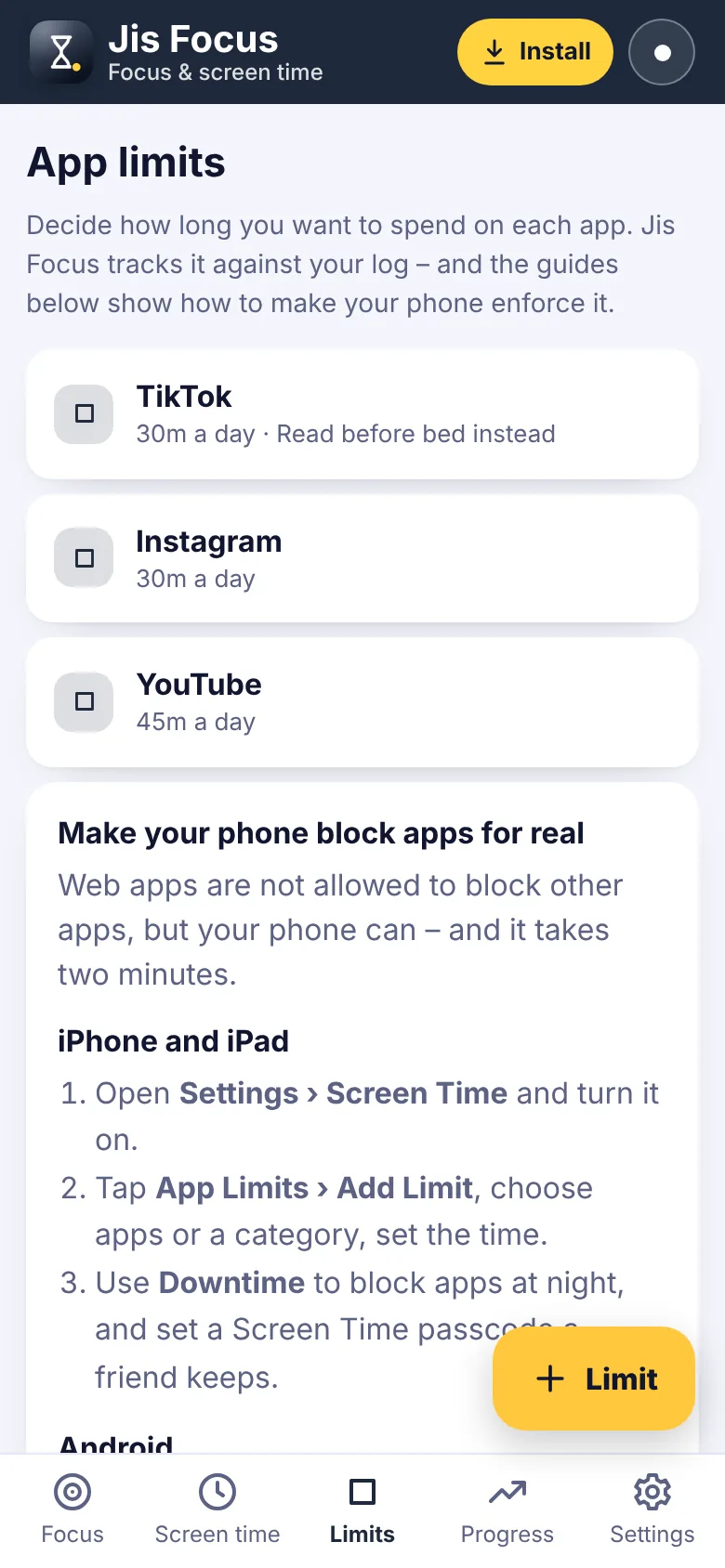
- App limits and daily goals
- Guides to block apps on iPhone, Android, Windows and Mac
- Focus streak and goal ring
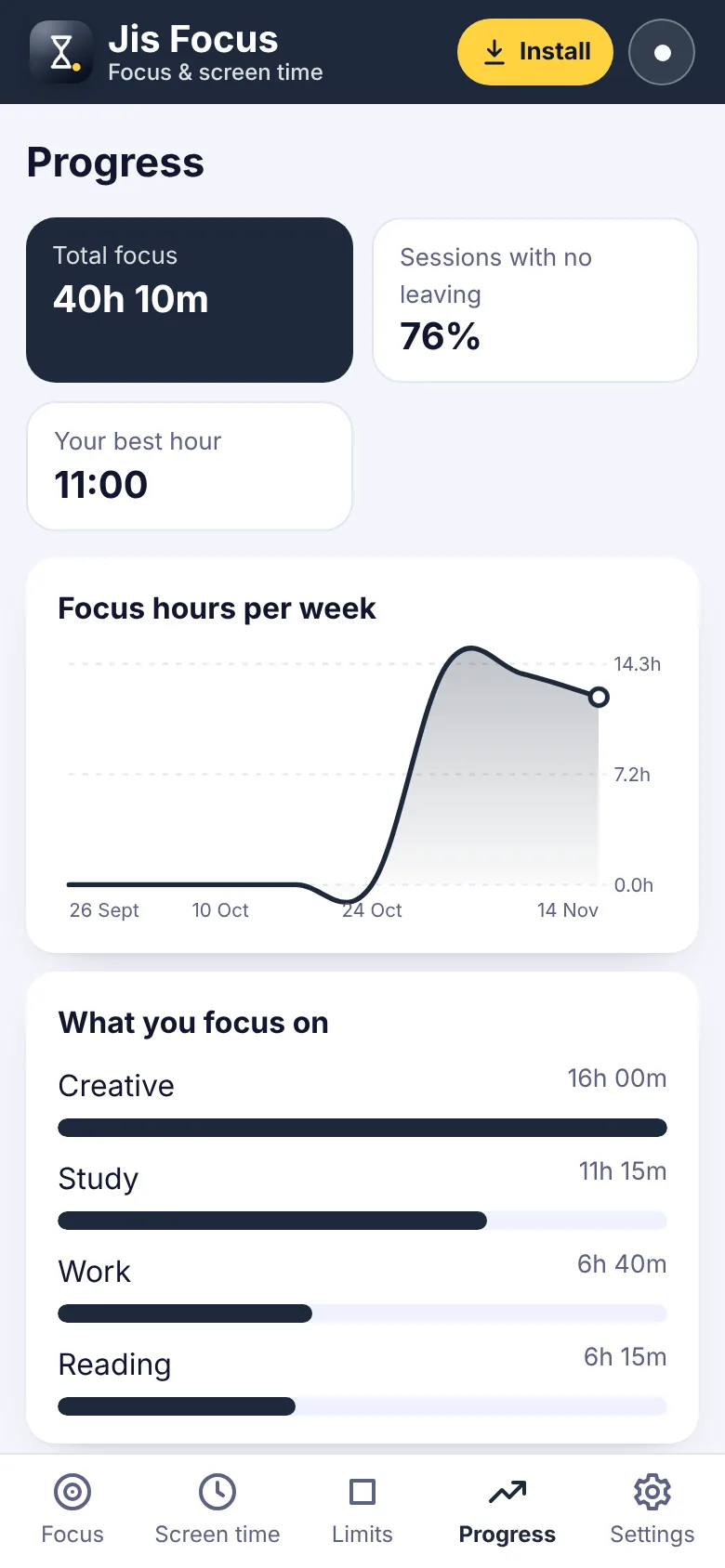
- Focus hours per week chart
- Your best focus hour
How to get Jis Focus
- Start your free trialPick a plan. It's free for 7 days and you can cancel any time.
- Open Jis FocusOn iPhone use Safari, on Android use Chrome, on a computer use Chrome or Edge.
- Install itiPhone: Share › Add to Home Screen. Android: ⋮ › Install app. Computer: the install icon in the address bar.
- Enter your keyType your membership key once. It works for every app.
Questions about Jis Focus
Can Jis Focus block other apps?
No app from a website is allowed to block other apps. Jis Focus shows you step by step how to switch on the blocker built into your phone or computer – Screen Time on iPhone, Digital Wellbeing on Android – and helps you stick to it.
How does it know I left?
If you switch away from the focus screen for more than a few seconds, it is counted.
Where do I find my screen time?
iPhone: Settings > Screen Time. Android: Settings > Digital Wellbeing. Copy the numbers into Jis Focus in a few seconds.
Is it good for studying?
Yes. Label sessions as Study and watch your weekly hours grow.


One membership. Every app.
7 days free, then from £5.00 a month. Cancel any time.