
About Jis Park
Jis Park remembers where you parked, so you don't have to.
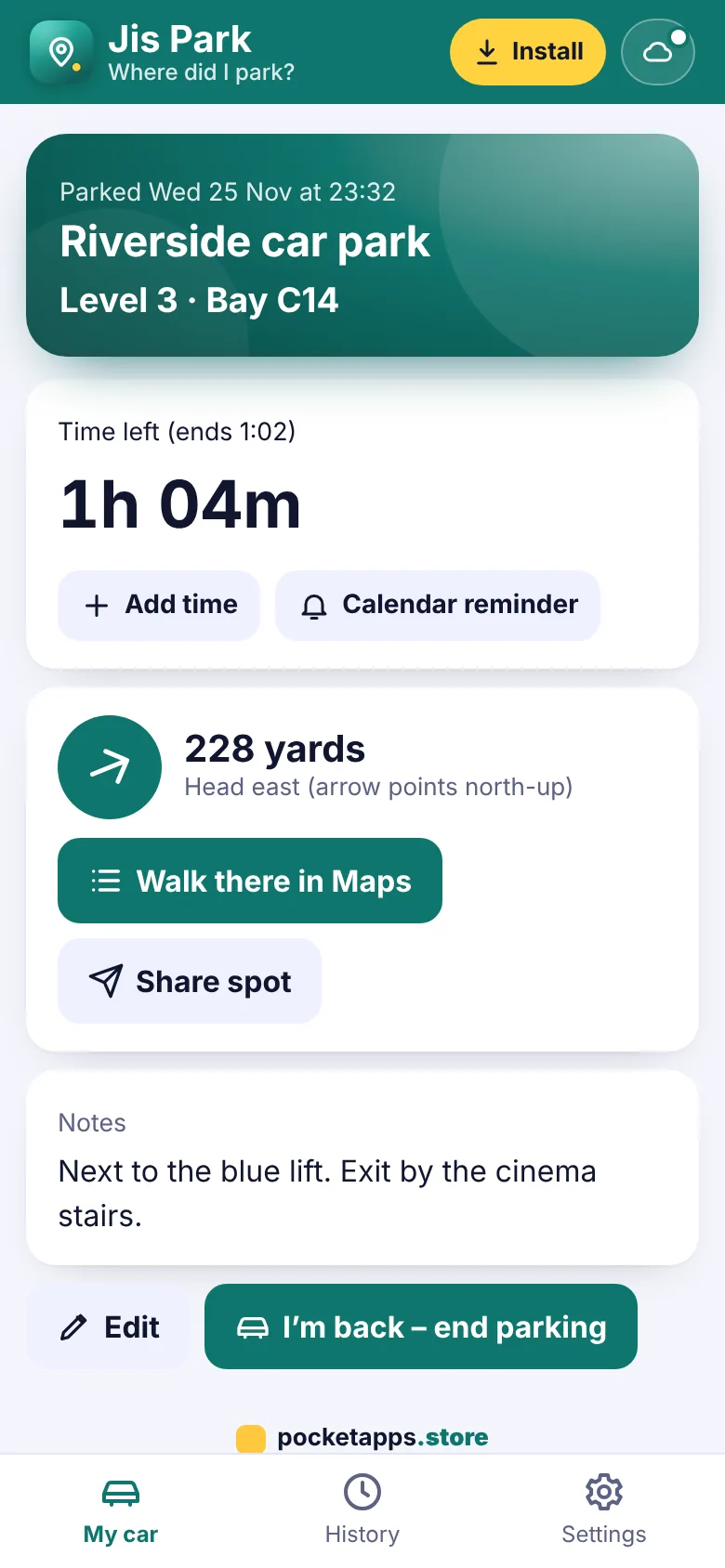
Tap "I've parked here" and Jis Park saves the spot. Add a photo of the sign or pillar, the level and bay, and a note like "next to the blue lift". Set how long you paid for and Jis Park counts down and warns you before the time runs out – add a calendar reminder too, so you can't miss it.
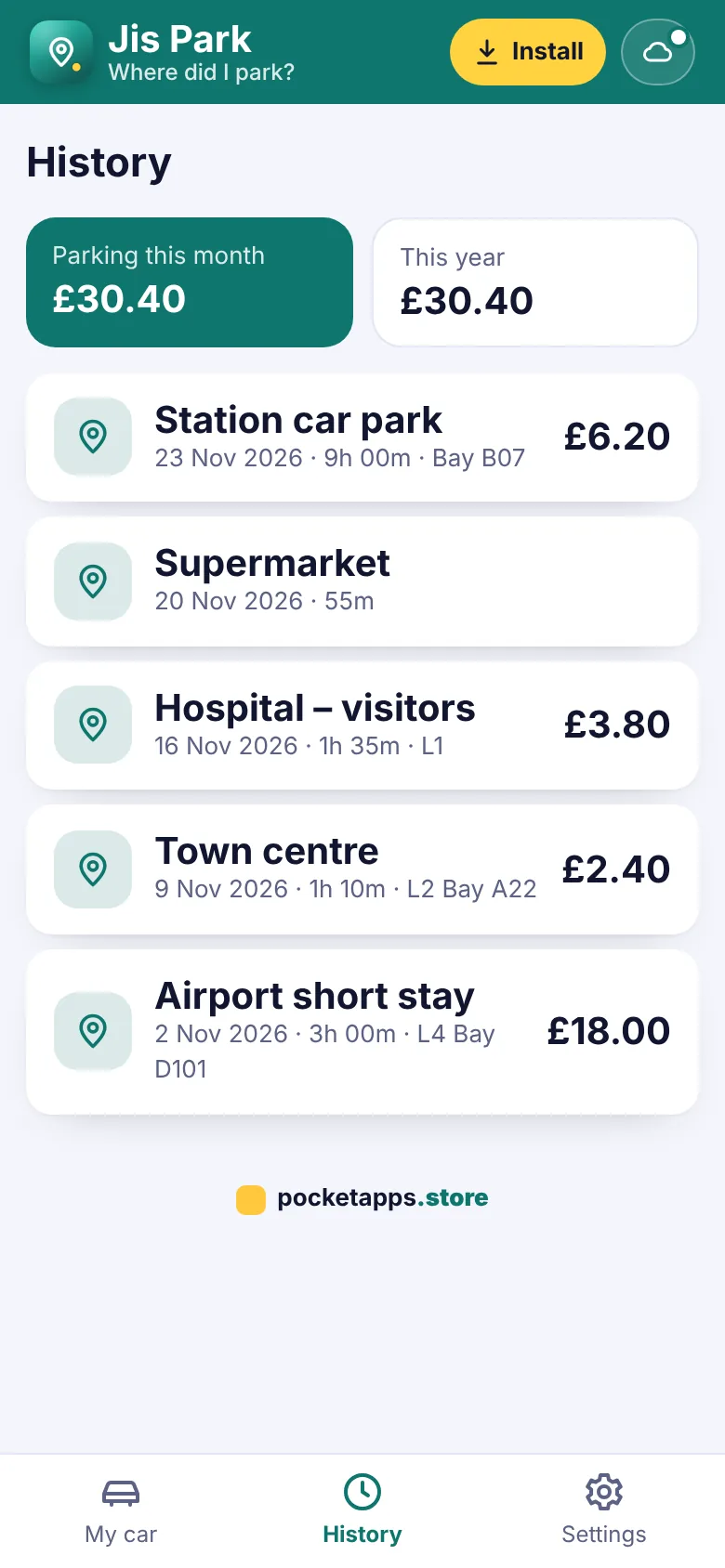
When you go back, an arrow and the distance point you to the car, or open walking directions in Maps. Each parking is saved with what it cost, so you can see what you spend on parking each month and year.
What you can do
- Save your spot in one tap
- Syncs across your devices (encrypted)
- Photo, level, bay and notes
- Parking timer with warning
- Calendar reminder
- Arrow and distance back
- Walking directions in Maps
- Parking costs each month
How to get Jis Park
- Start your free trialPick a plan. It's free for 7 days and you can cancel any time.
- Open Jis ParkOn iPhone use Safari, on Android use Chrome, on a computer use Chrome or Edge.
- Install itiPhone: ••• (or Share) › Share › Add to Home Screen › Add. Android: ⋮ › Install app. Computer: the install icon in the address bar. See every step with pictures.
- Enter your keyType your membership key once. It works for every app.
Questions about Jis Park
Is my location shared?
No. Your location stays on your device (and in your encrypted sync if you turn it on). It is never sent to us.
Will it warn me if the app is closed?
Phones only allow warnings while the app is open or recently used, so also add the calendar reminder – it always works.
Does it work underground?
GPS can be weak in car parks, so add a photo and the level and bay.



One membership. Every app.
7 days free, then from £5.00 a month. Cancel any time.