About Jis Sign
Jis Sign lets your customers sign forms on your phone or tablet – no paper, no printer.
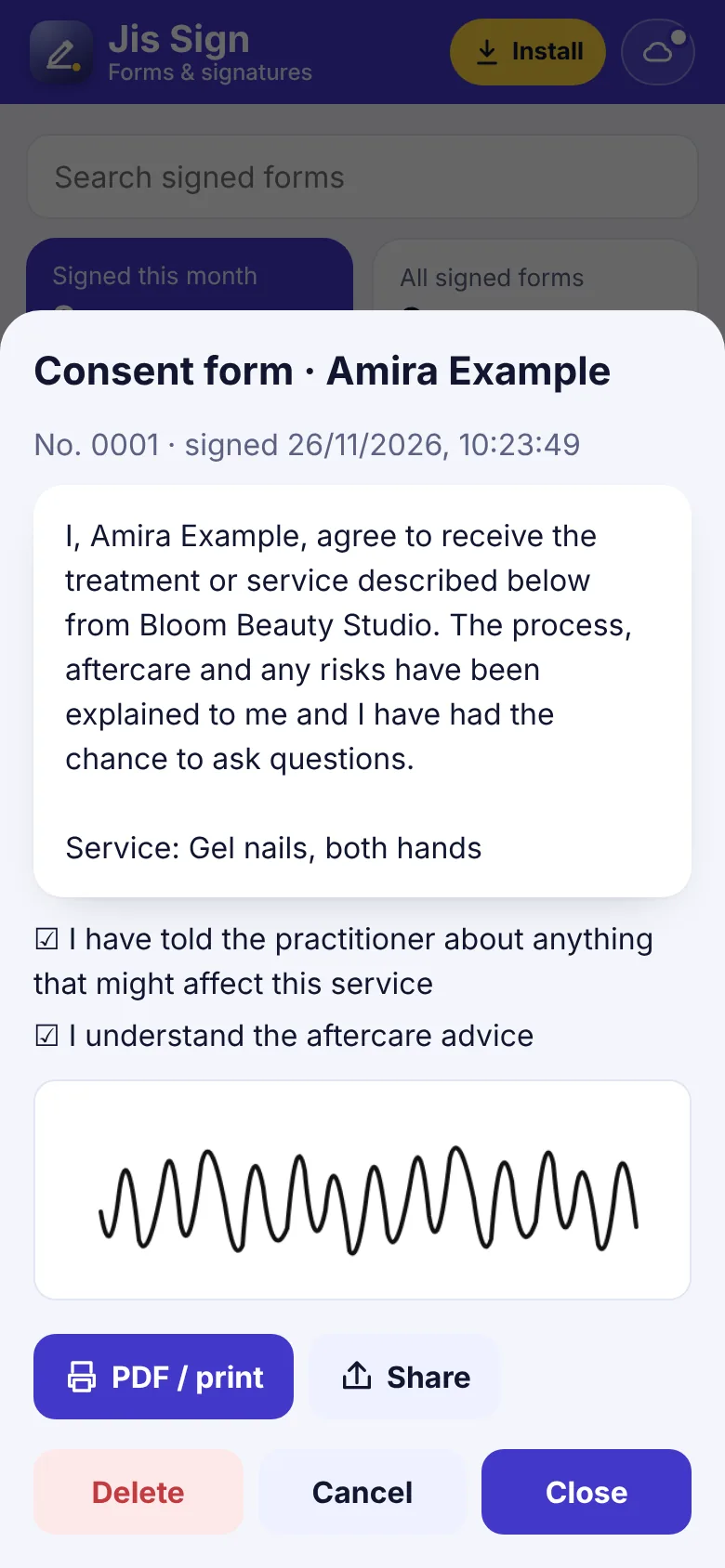
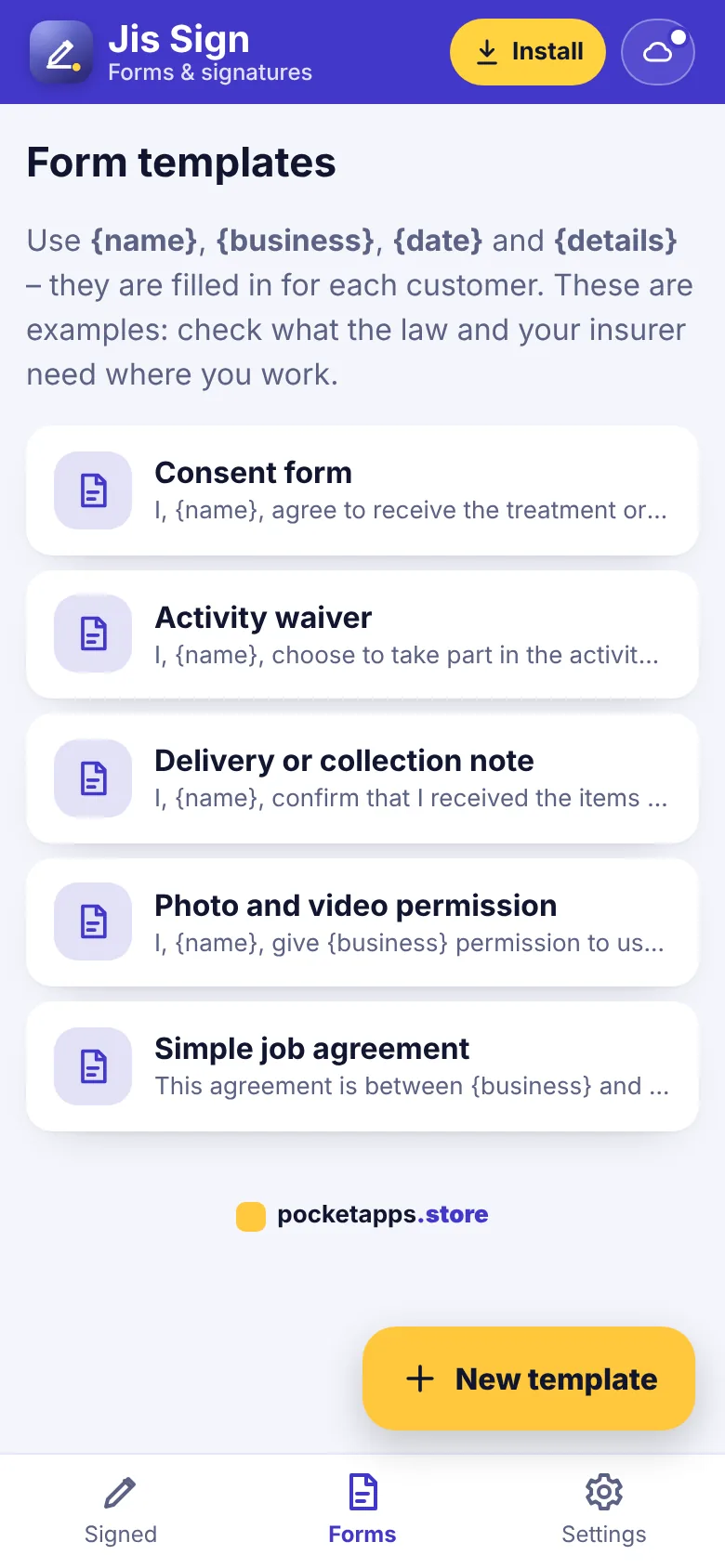
Pick a form – consent form, waiver, photo permission, delivery note or simple job agreement – fill in the details, and hand over the screen. The customer reads it, ticks the boxes and signs with a finger. Jis Sign saves the signed form with the date and time.
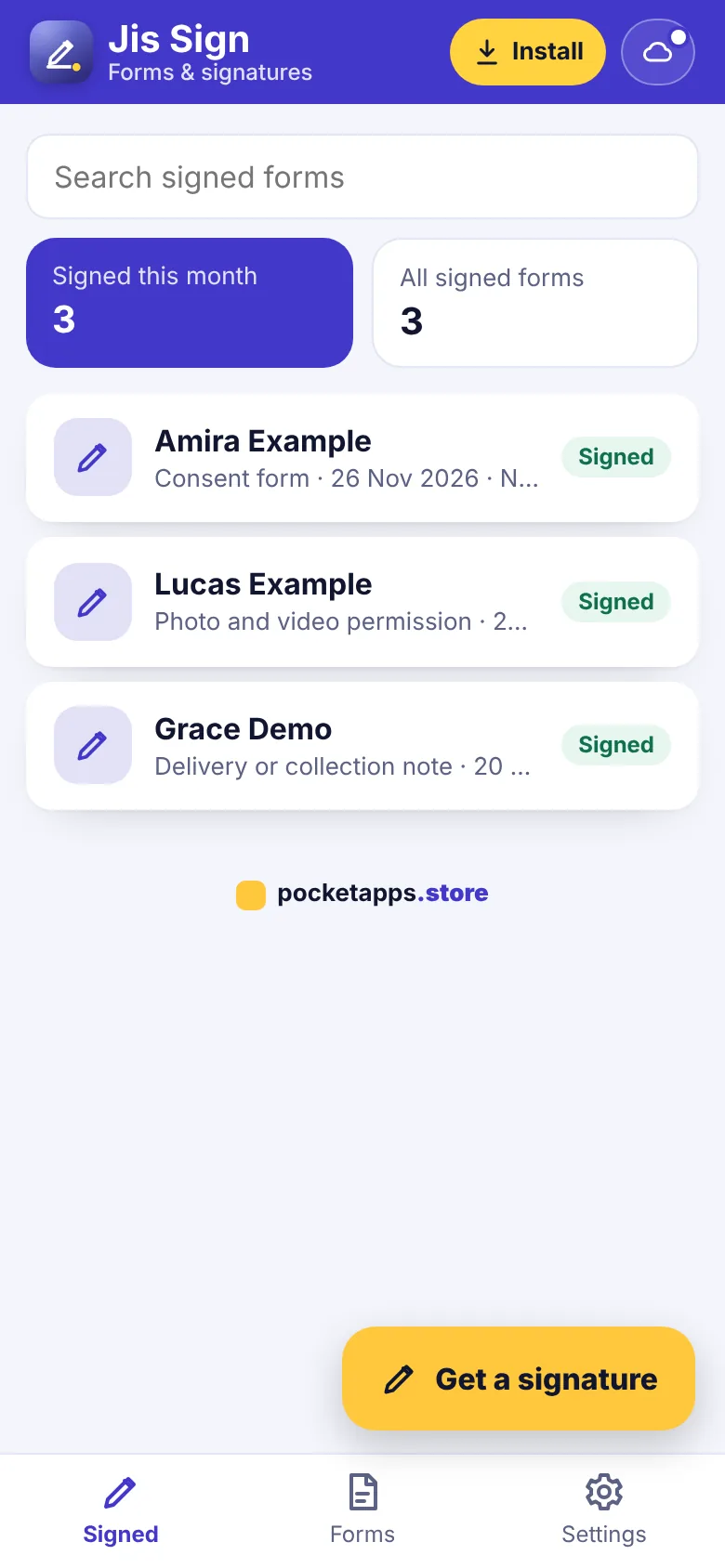
Send the customer a PDF copy by email, print it, or keep it on file. Edit the templates or write your own with your business name filled in for you. Search every signed form later.
What you can do
- Sign on your phone or tablet
- Syncs across your devices (encrypted)
- Editable templates
- Consent, waivers, delivery notes
- Dated signed records
- PDF copy by email or print
- Search signed forms
- Any language and country
How to get Jis Sign
- Start your free trialPick a plan. It's free for 7 days and you can cancel any time.
- Open Jis SignOn iPhone use Safari, on Android use Chrome, on a computer use Chrome or Edge.
- Install itiPhone: ••• (or Share) › Share › Add to Home Screen › Add. Android: ⋮ › Install app. Computer: the install icon in the address bar. See every step with pictures.
- Enter your keyType your membership key once. It works for every app.
Questions about Jis Sign
Is a signature on a phone legal?
In many countries a simple electronic signature is accepted for everyday forms like these. Some documents need special signatures by law. If you are unsure, ask a local adviser.
Where are the signed forms kept?
On your device, and in your encrypted sync if you turn it on.
Can I add my own forms?
Yes. Write your own text with {name}, {business}, {date} and {details} placeholders.


One membership. Every app.
7 days free, then from £5.00 a month. Cancel any time.