
About Jis Steps
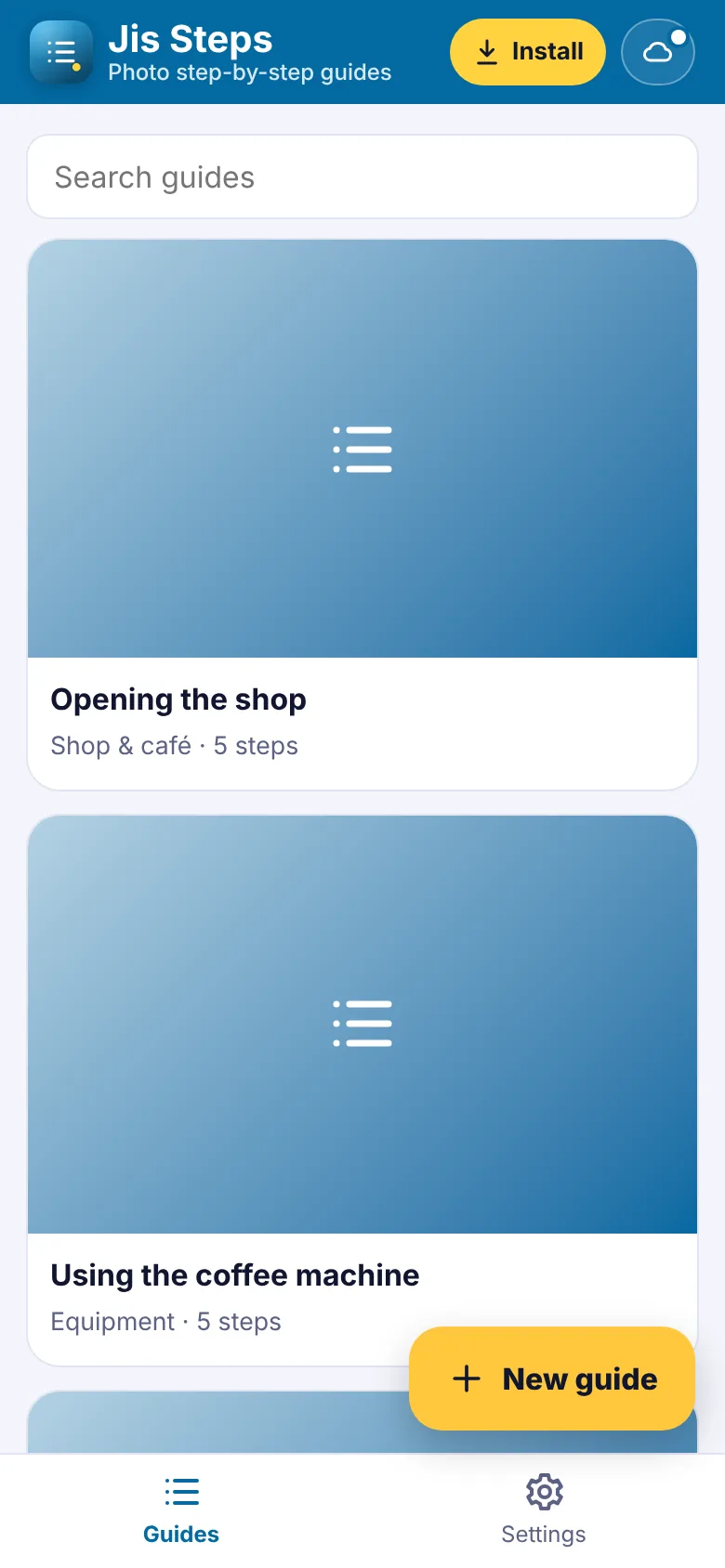
Jis Steps turns the way you do things into clear photo guides that anyone can follow.
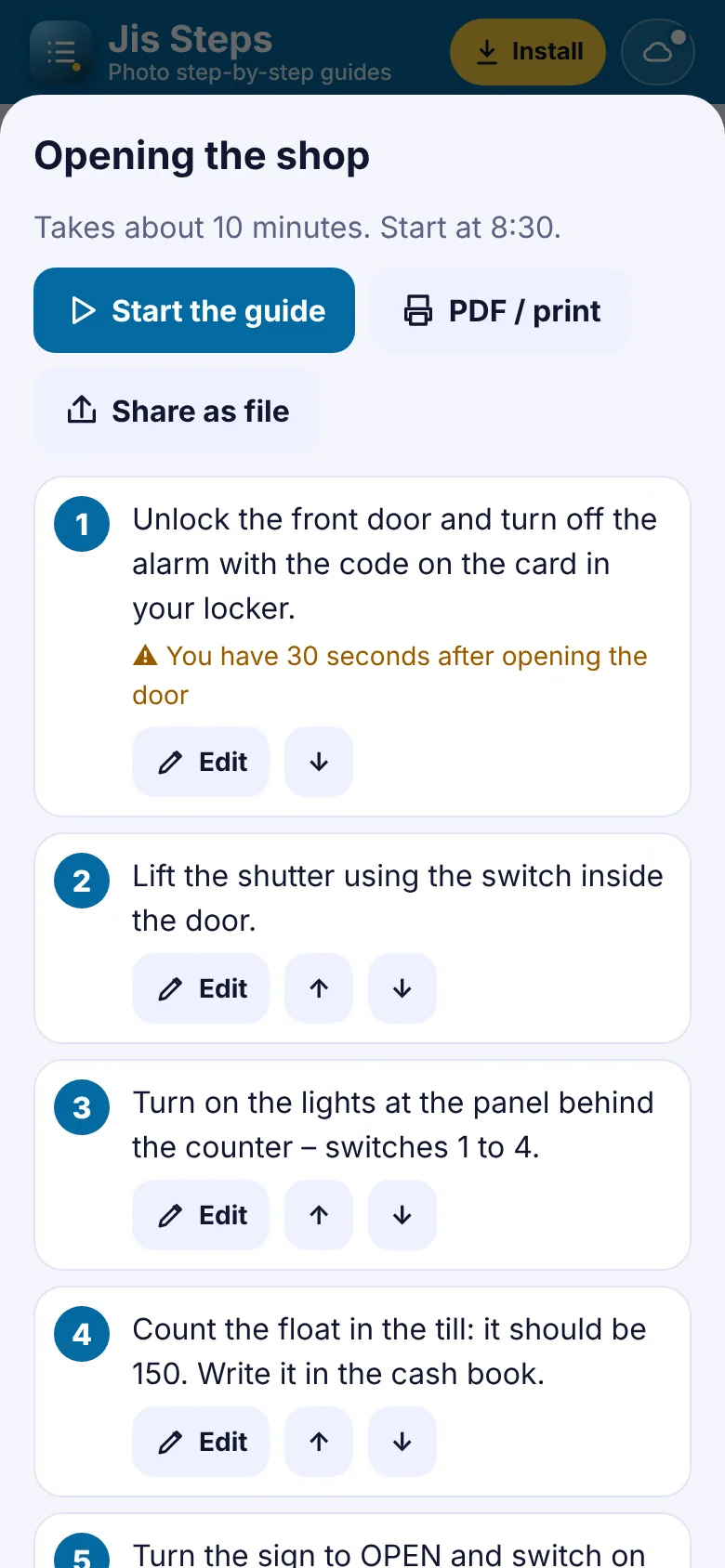
Take a photo for each step and add a short line of text and a tip or warning. In a few minutes you have a guide for opening the shop, using the coffee machine, checking in a guest, cleaning a room or setting up equipment.
Play a guide one step at a time with big photos – swipe to move on. Print it or save it as a PDF to stick on the wall, or share it as a file that opens in someone else's Jis Steps. Great for new staff, cover workers, family and Airbnb guests.
What you can do
- Photo step-by-step guides
- Syncs across your devices (encrypted)
- Tips and warnings on each step
- Play mode with swipe
- Print or save as PDF
- Share guides as a file
- Time and step count
- Example guides to try
How to get Jis Steps
- Start your free trialPick a plan. It's free for 7 days and you can cancel any time.
- Open Jis StepsOn iPhone use Safari, on Android use Chrome, on a computer use Chrome or Edge.
- Install itiPhone: ••• (or Share) › Share › Add to Home Screen › Add. Android: ⋮ › Install app. Computer: the install icon in the address bar. See every step with pictures.
- Enter your keyType your membership key once. It works for every app.
Questions about Jis Steps
Who is it for?
Shops, cafés, cleaners, holiday lets, small teams – anyone who explains the same job again and again.
Can new staff use it without the app?
Yes. Print the guide or send the PDF. If they have Jis Steps they can open the shared file and play it.
Can I use it in my language?
Yes. You write the steps, so they can be in any language.



One membership. Every app.
7 days free, then from £5.00 a month. Cancel any time.