About Jis Time
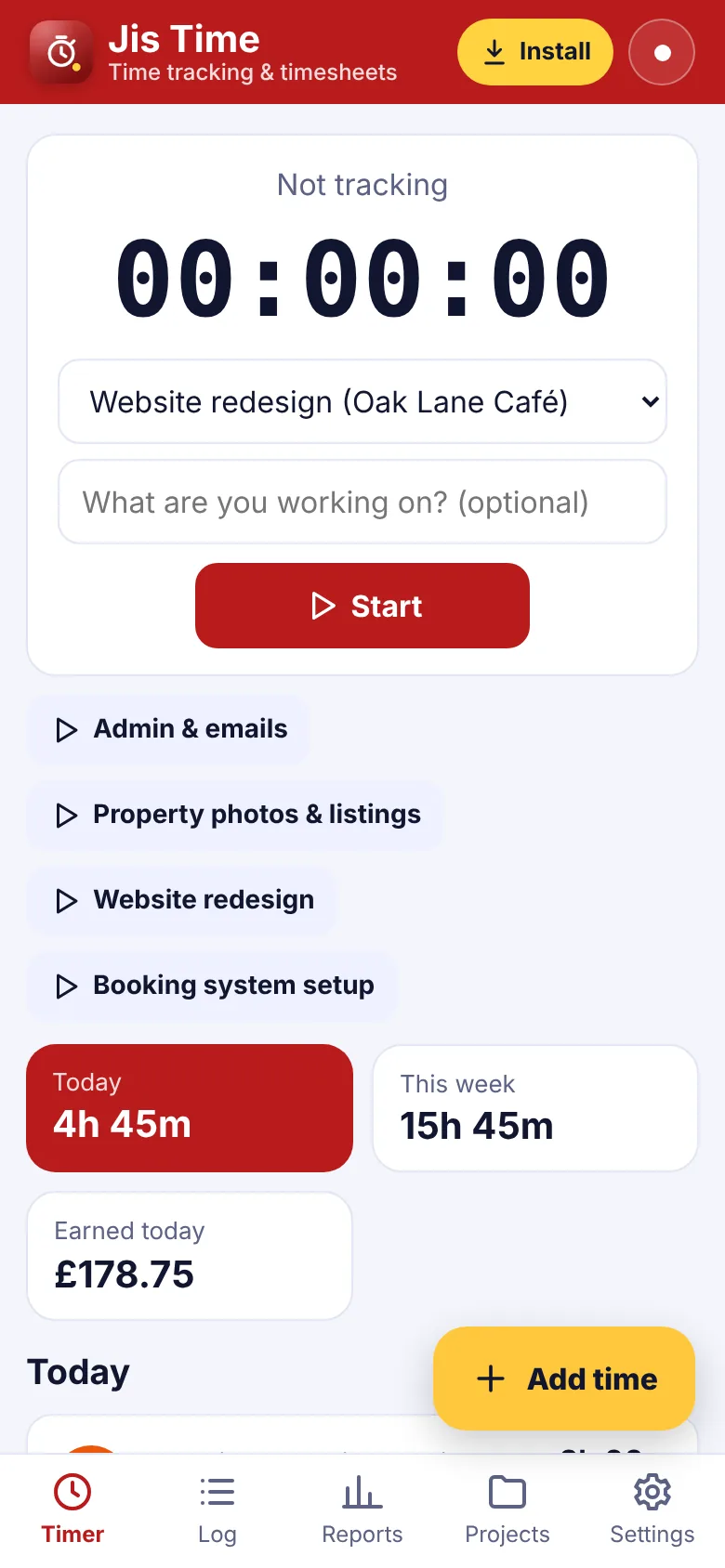
Jis Time is the simple time tracker for freelancers, consultants, designers, developers, tutors and anyone who bills by the hour. Pick a project and tap Start – the timer keeps running even if you close the app, and you can stop it on another device.
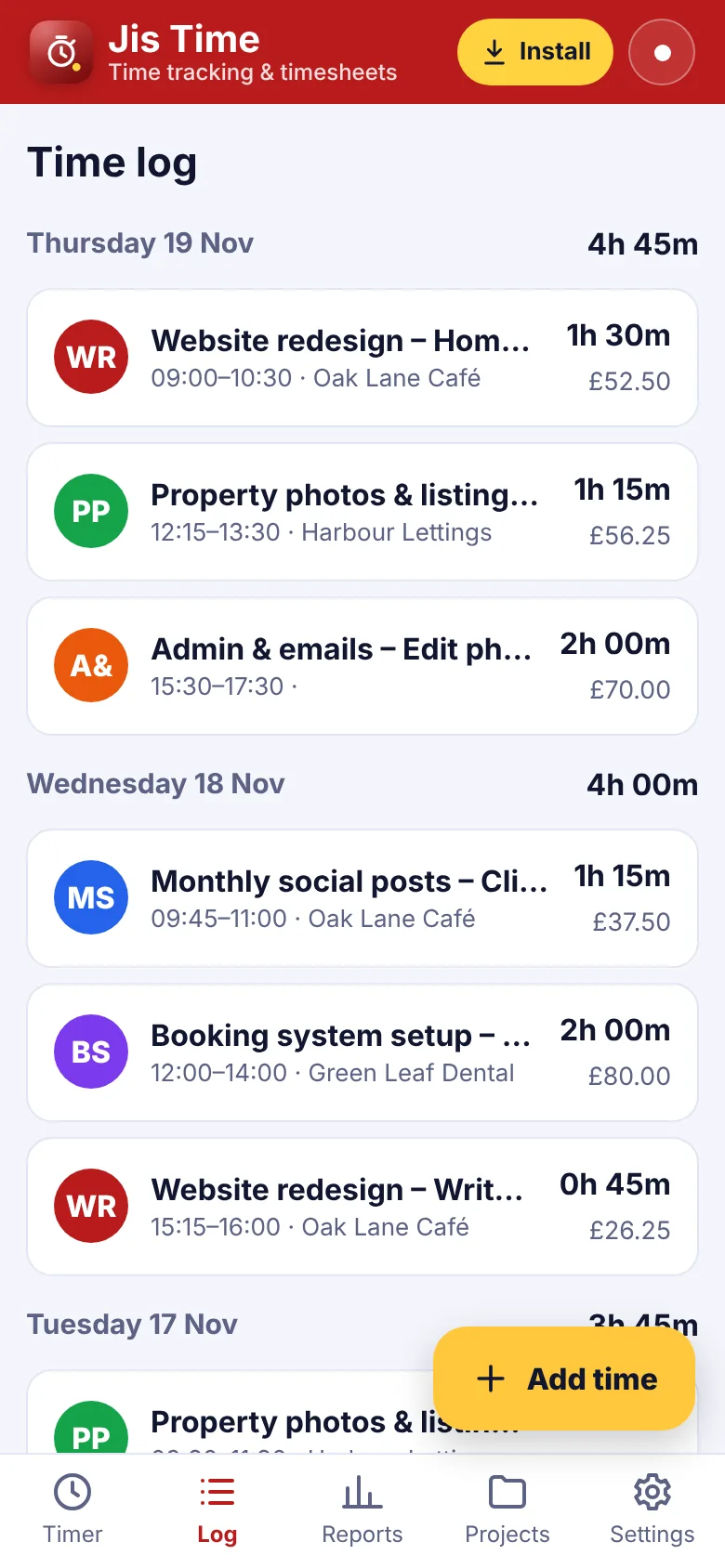
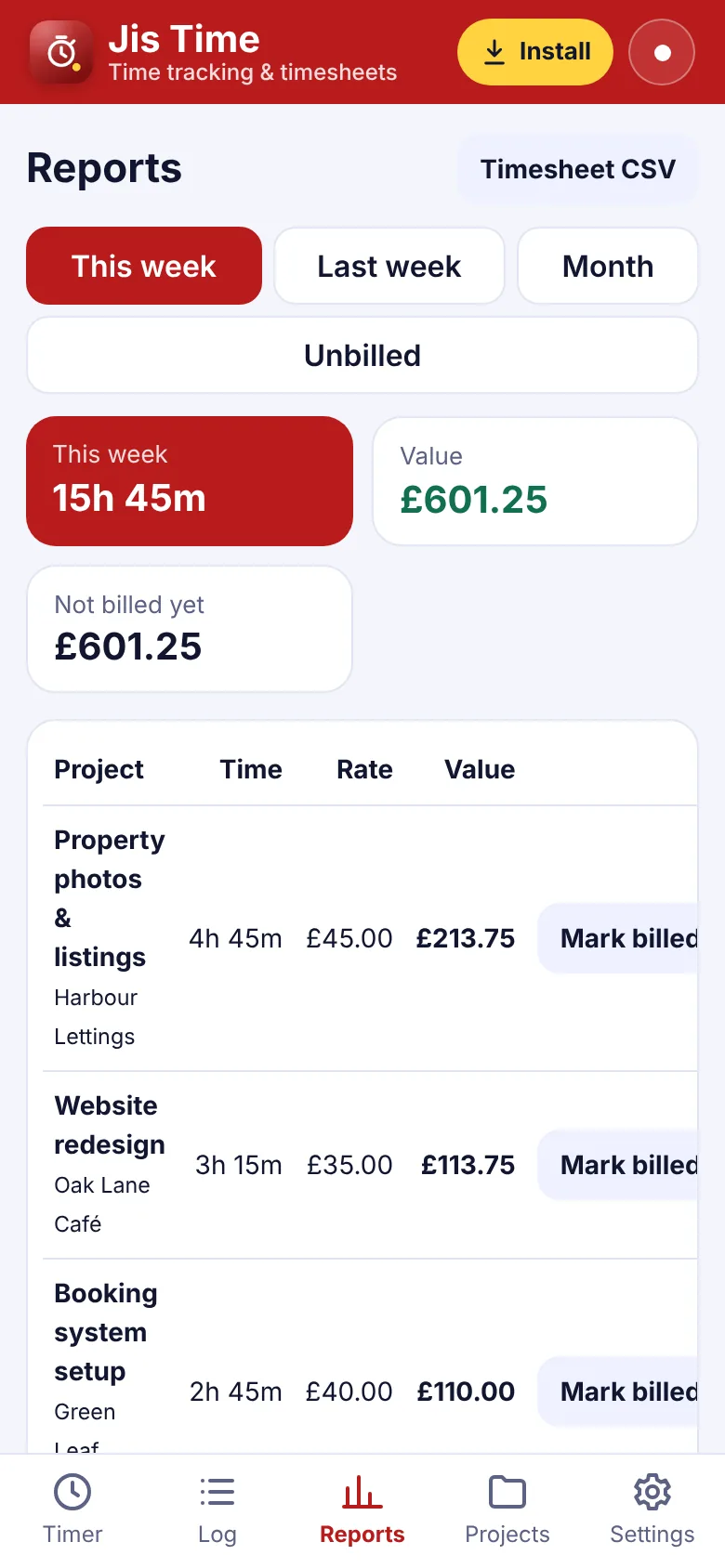
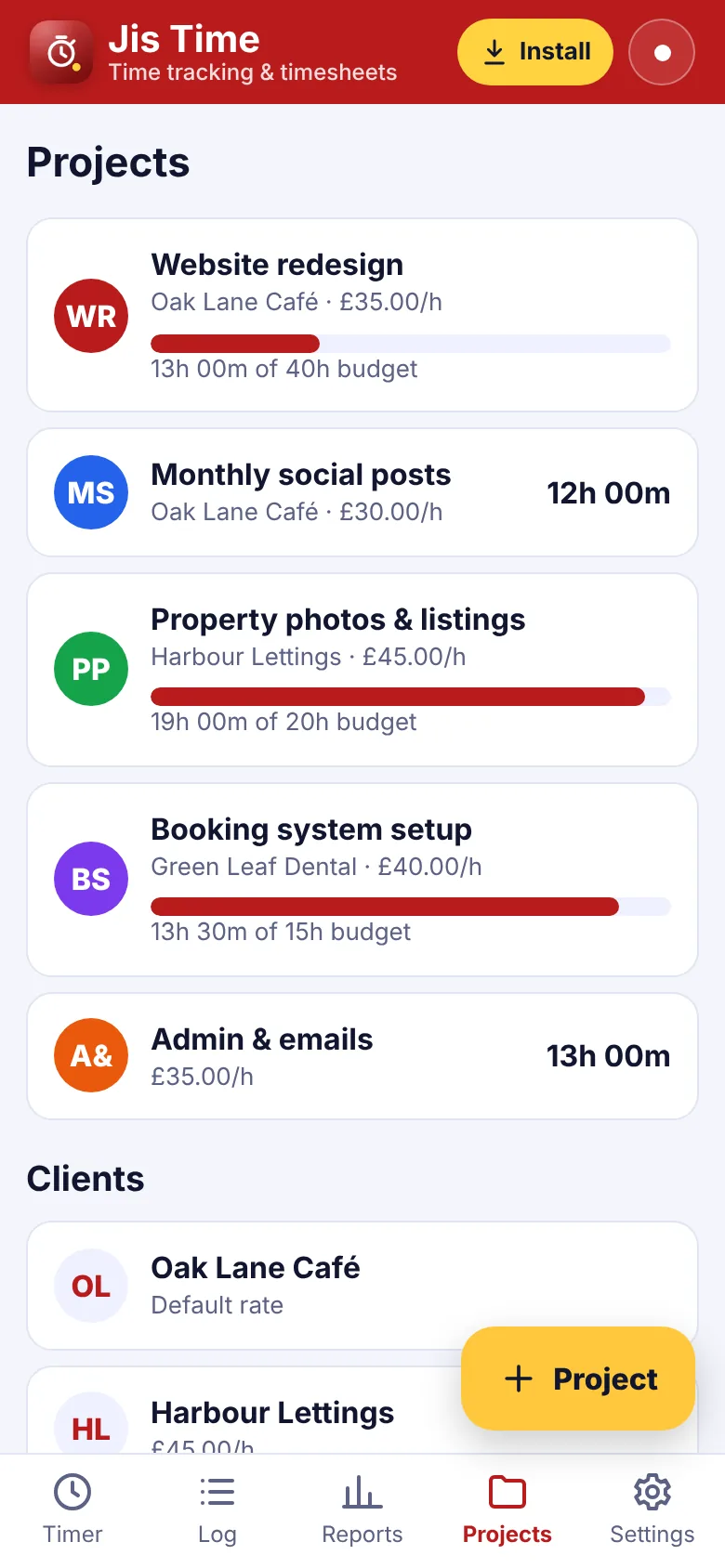
Add time you forgot by hand, set an hourly rate for each client or project and see what your time is worth. Projects can have an hour budget so you know when you are close to the limit. Reports show hours and value for this week, last week or this month, and what has not been billed yet. Mark time as billed and download a timesheet for your invoice.
What you can do
- One-tap start and stop timer
- Syncs across your devices (encrypted)
- Keeps running when the app is closed
- Clients and projects with hourly rates
- Project hour budgets
- Add or edit time by hand
- Round time to 5, 10, 15 or 30 minutes
- Unbilled hours and value
- Weekly and monthly reports
- Download timesheets as CSV
How to get Jis Time
- Start your free trialPick a plan. It's free for 7 days and you can cancel any time.
- Open Jis TimeOn iPhone use Safari, on Android use Chrome, on a computer use Chrome or Edge.
- Install itiPhone: Share › Add to Home Screen. Android: ⋮ › Install app. Computer: the install icon in the address bar.
- Enter your keyType your membership key once. It works for every app.
Questions about Jis Time
Does the timer keep going if I close the app?
Yes. The start time is saved, so the timer is right when you come back, even on a different device.
Can I set different rates?
Yes. Set a default rate, a rate for each client and a rate for each project. The most specific one is used.
Does it make invoices?
Jis Time gives you the hours and value. Use Jis Bill (also in your membership) to send the invoice, or download the timesheet as CSV.
Can I track time for a team?
Jis Time is made for one person. For staff hours and rotas, use Jis Crew.



One membership. Every app.
7 days free, then from £5.00 a month. Cancel any time.