Home › Blog › Small business
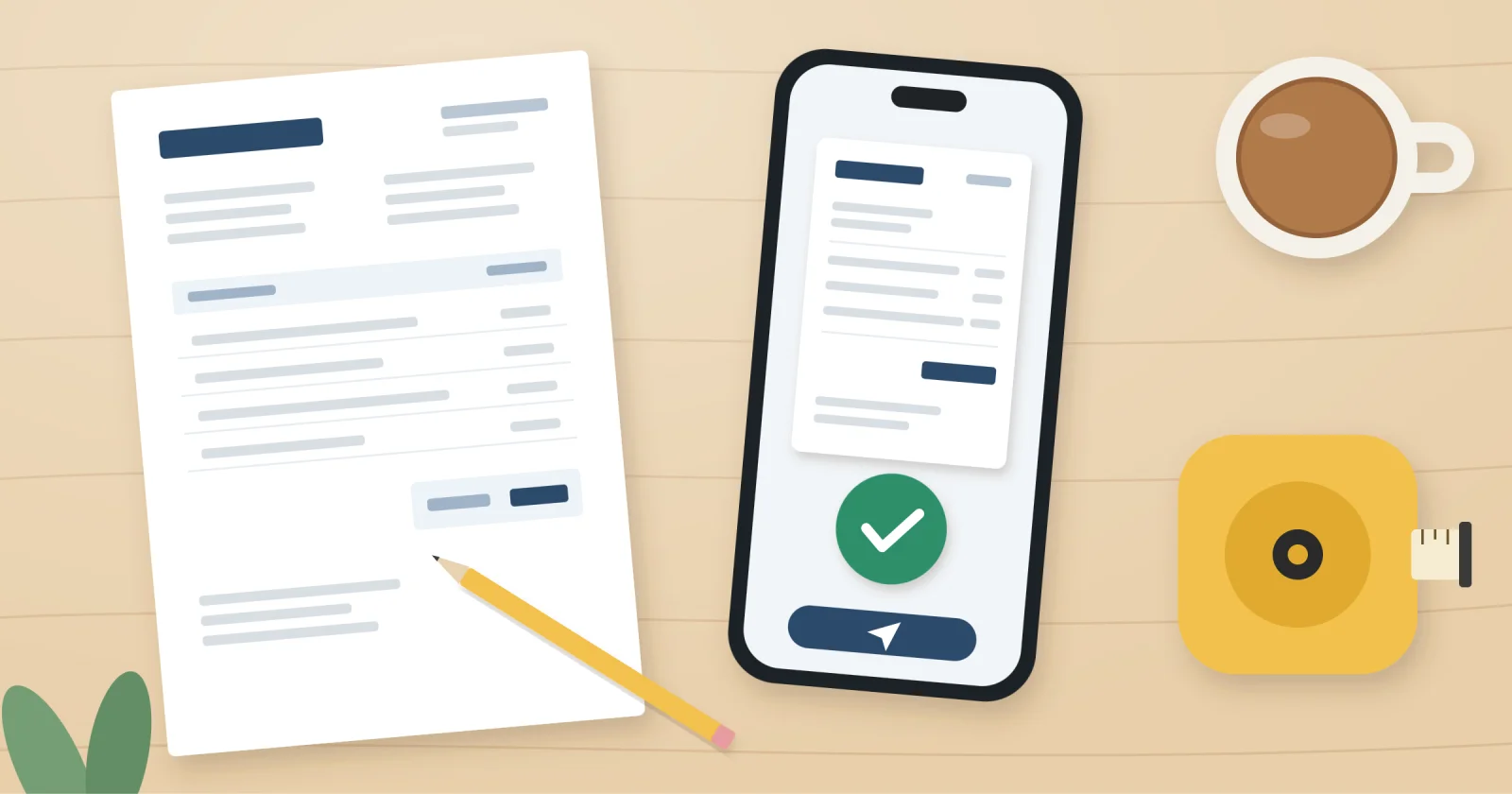
If you are self-employed, getting paid starts with a clear invoice. Knowing what to put on a sole trader invoice saves you from awkward chasing, questions from customers and problems at tax time. This guide lists everything a UK sole trader invoice should show, what changes if you are VAT registered, and gives you a simple layout you can copy.
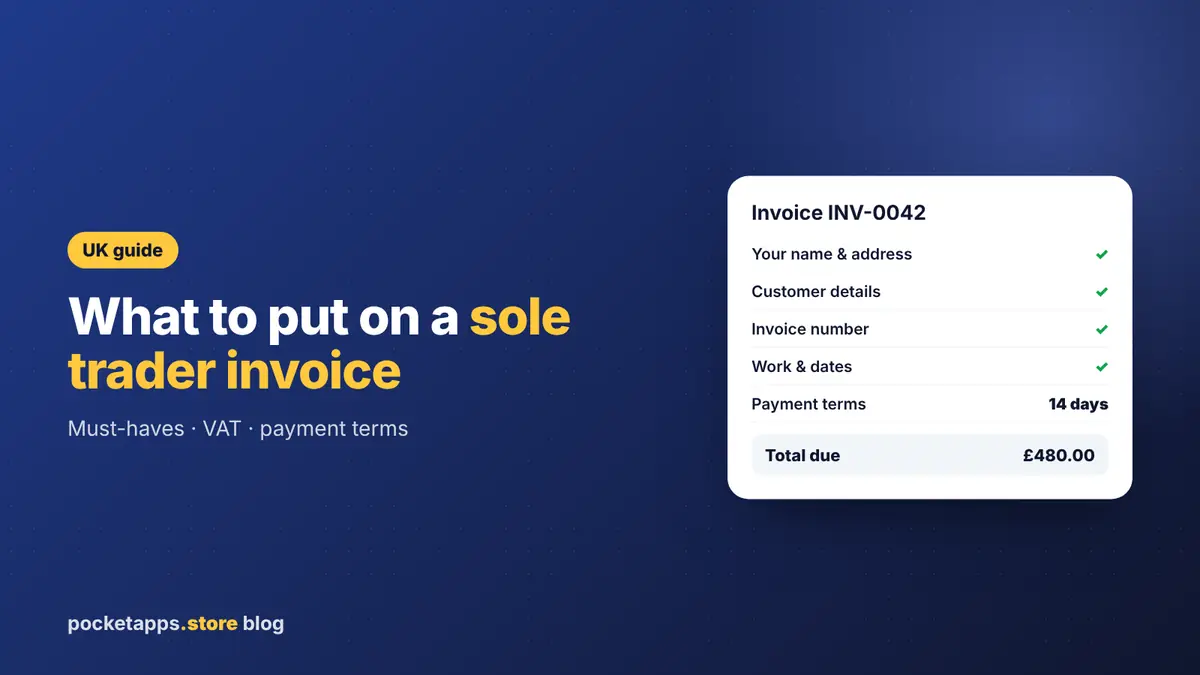
What to put on a sole trader invoice: the must-haves
HMRC and GOV.UK set out the basics. Every invoice should include:
- The word "Invoice" at the top, so it is clearly a request for payment.
- A unique invoice number. Each invoice needs its own number, in order – for example INV-0041, INV-0042. Never reuse one.
- Your name, or your business name, and your address. If you trade under a business name (like "Bright Spark Electrical"), show your own name as well.
- Your customer's name and address.
- The invoice date (the date you send it).
- The date the work was done or the goods were supplied, if different.
- A clear description of what you are charging for – the job, the hours or the items.
- The amount for each line and the total due.
That is the legal minimum. The extras below are what help you get paid faster.
Details that help you get paid on time
- Payment terms. Say exactly when you expect to be paid: "Payment due within 14 days" or "Due on 15 December". Clear payment terms reduce late payment more than anything else.
- How to pay. Your bank name, account name, sort code and account number. Add a payment link if you take cards.
- A reference to use. Ask customers to use the invoice number as the payment reference, so you can match payments easily.
- Your contact details. A phone number and email address for any questions.
- A short thank you. It sounds small, but a polite note keeps the relationship friendly.
If you are VAT registered
Once you are VAT registered, a full VAT invoice must also show:
- Your VAT registration number.
- The tax point (time of supply), if it is different from the invoice date.
- The rate of VAT for each item, the amount before VAT, the VAT amount and the total including VAT.
If you are not VAT registered, do not add VAT and do not show a VAT number. You can simply leave VAT off.
A simple sole trader invoice template
Here is a layout you can follow:
- Top: "Invoice", your logo or business name, your address and contact details.
- Customer box: their name and address.
- Invoice details: invoice number, invoice date, date of work.
- Lines: description, quantity or hours, price, line total.
- Totals: subtotal, VAT (if registered), total due.
- Payment: payment terms, bank details and payment reference.
- Footer: thank you, plus your own name if you use a trading name.
Save this as your sole trader invoice template, so every invoice looks the same and nothing gets left out.
Common mistakes to avoid
- Missing or repeated numbers. They make your records confusing for you and your accountant.
- Vague descriptions like "work done". Say what you did and where.
- No due date. "Please pay soon" invites delay.
- Sending invoices late. Invoice the day the job is finished, while it is fresh in the customer's mind.
- Not keeping copies. Keep every invoice for your Self Assessment records – at least five years after the 31 January deadline for that tax year.
Chasing an unpaid invoice
If the due date passes, send a polite reminder the next day, mentioning the invoice number and amount. Most late payments are simply forgotten. If you still hear nothing after a week, call. Keeping a list of unpaid and overdue invoices makes this much easier.
Make your invoices in a minute with Jis Bill
Jis Bill makes professional invoices and quotes on your phone. Add your logo, address, bank details and VAT number once, and every invoice gets an automatic invoice number, VAT worked out per line (or no VAT at all) and a clean A4 PDF. Send it straight from your phone by email or WhatsApp, turn an accepted quote into an invoice in one tap, and see at a glance what is unpaid or overdue. Download your invoices as a spreadsheet for your accountant.
Jis Bill is included in the pocketapps.store membership, with a 7-day free trial and no card needed.