Home › Blog › Small business
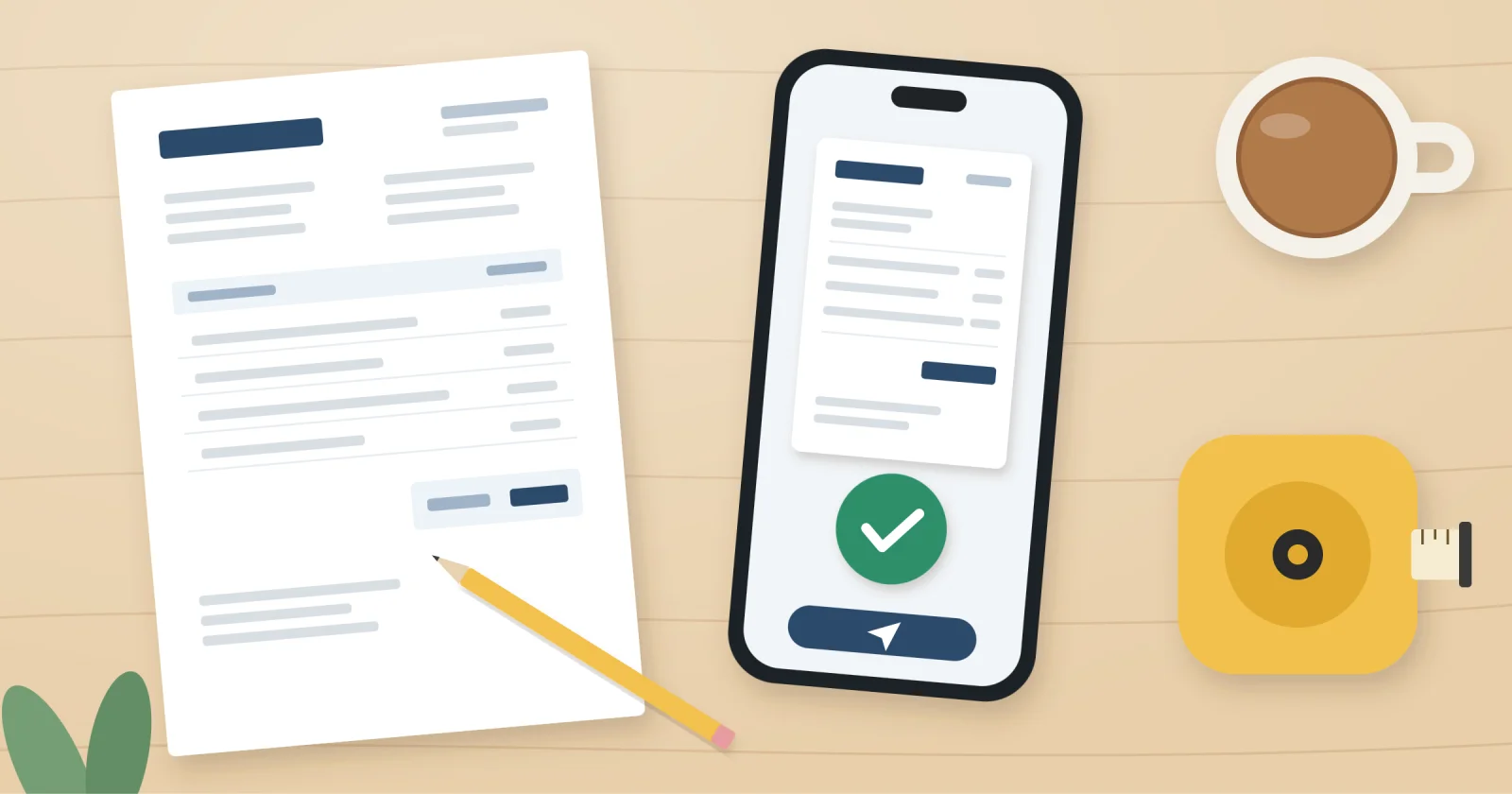
You have done the job, the customer is happy, and now you need to get paid. This guide gives you a simple invoice template for sole traders UK customers will recognise, explains exactly what has to go on it, and shows you how to send it in a few minutes, even from your phone.
What to include on an invoice as a UK sole trader
An invoice does not need to be fancy. It does need certain details, and GOV.UK sets out the basics every business invoice should carry.
- The word "Invoice" clearly at the top
- A unique invoice number
- Your name, address and contact details
- Your customer's name and address
- The date of the invoice and the date you did the work or supplied the goods
- A clear description of what you are charging for
- The amount for each item and the total owed
- VAT, but only if you are VAT registered
The extra rule for sole traders
As a sole trader you must include your own name, plus any business name you trade under. If you trade as "Sam's Garden Care", the invoice still needs to say Sam Taylor somewhere, along with an address where documents can be sent to you.
You can check the full list on GOV.UK's page about what invoices must include. Rules on VAT and tax can change, so if you are unsure about your own situation, check with HMRC or an accountant.
Nice to have, not required
Your bank details and payment terms are not legal requirements, but leaving them off is the quickest way to get paid late. Add your sort code and account number, and a line such as "Payment due within 14 days".
A simple invoice template you can copy
Here is a plain layout that works for most new sole traders who are not VAT registered. Copy it into a document, spreadsheet or app and fill in your own details.
| Section | What to write | Example |
|---|---|---|
| Heading | The word "Invoice" | INVOICE |
| Invoice number | A unique number that goes up each time | INV-001 |
| Invoice date | The day you send it | 3 November |
| Your details | Your name, trading name, address, phone, email | Sam Taylor, trading as Sam's Garden Care |
| Customer details | Their name and address | Mrs J Patel, 12 Elm Road, Leeds |
| Work done | Description, date and price per line | Hedge trimming, 1 November, £80 |
| Total | The full amount owed | £80 |
| Payment details | Bank details, terms and a reference | Pay within 14 days, reference INV-001 |
If you are VAT registered, you need a VAT invoice instead, which adds your VAT number and the VAT on each item. Most people starting out are not, but check if your turnover is growing.
How to write an invoice, step by step
Once you have your template, sending an invoice takes a few minutes. This is the routine we suggest for your first one.
- Pick your numbering. Start at INV-001 and never reuse a number, even if you cancel an invoice.
- Fill in both sets of details. Yours at the top, your customer's underneath. Double-check spellings, as a business customer may need their exact name for their own books.
- Describe the work plainly. "Rewired kitchen sockets, 4 November" is better than "Electrical work".
- Add prices and the total. Show each item on its own line so the customer can see what they are paying for.
- Set clear terms. Give a due date or a number of days, plus your bank details and a payment reference.
- Save it as a PDF. A PDF looks the same on every device and cannot be changed by accident.
- Send it and keep a copy. Email it, then file your copy where you keep your records for Self Assessment.
Common first-invoice mistakes
- Forgetting the invoice number, which makes your records hard to follow
- Using only a trading name and leaving off your own name
- No due date, so the customer pays whenever they remember
- No bank details, so they have to message you and ask
Sending an invoice on phone or tablet
Plenty of sole traders finish a job in a customer's driveway, not at a desk. Sending an invoice on your phone before you leave means it is done while the job is fresh, and you are more likely to be paid quickly.
You have a few options, depending on how you like to work.
| Method | Good for | Downside |
|---|---|---|
| Word or Google Docs template | Occasional invoices at a computer | Fiddly on a phone, easy to forget to change the number |
| Spreadsheet | Seeing totals and who has paid | Needs some setting up |
| Invoicing app | Sending from anywhere, keeping everything in one place | Another tool to learn |
Using Jis Bill
If you would like an app for it, Jis Bill is the billing tool in our pocketapps.store membership. It installs from your browser straight onto your iPhone, Android phone, tablet or computer, with no app store and no adverts, and your data is saved on your own device.
There is optional encrypted sync, so you can start an invoice on your phone and finish it on a laptop. It will not file your tax return or give tax advice, so keep your accountant or HMRC's guidance for that side of things.
Frequently asked questions
Do sole traders need to include VAT on invoices?
Only if you are VAT registered. If you are not, do not add VAT or show a VAT number. Check GOV.UK for the current registration threshold.
Can I use my home address on my invoices?
Yes, many sole traders do. The invoice needs an address where documents can reach you, so if you would rather keep your home address private, look into a business address service.
How should I number my invoices?
Any system works as long as every number is unique and they run in order. INV-001, INV-002 and so on is simple and easy to follow.
How long do I need to keep copies of my invoices?
HMRC expects you to keep records that support your Self Assessment for several years. Check GOV.UK for the exact period that applies to you, and keep digital copies somewhere safe.
Send your first invoice today
Copy the template, fill in your details, give it a number and a due date, and send it as a PDF. Your first one takes the longest, and after that it becomes a five-minute habit.
If you would like to create and send invoices from your phone, try Jis Bill with a 7-day free trial. Membership is £7.99 a month, £39.99 for 6 months or £59.99 a year, and you can cancel any time. You can also see all 55 apps included.